22
7. This device has three working modes:
a.
Electrical Stimulation Only
b.
Ultrasound Only
c.
Combination Stim & Ultrasound
Press [Waveform/Mode] button to select
electrical stimulation mode.
8. There are 5 therapeutic waveforms for you
to select. Rotate the Central controller dial
to select waveform like Interferential, TENS,
Russian, and EMS after you selected electrical
stimulation therapeutic mode.
9. Each therapeutic waveform has 10 programs.
Press the [Program/CC/CV] button to choose
between P1-P10 by rotating the central
controller dial until the desired program is
displayed on the screen.
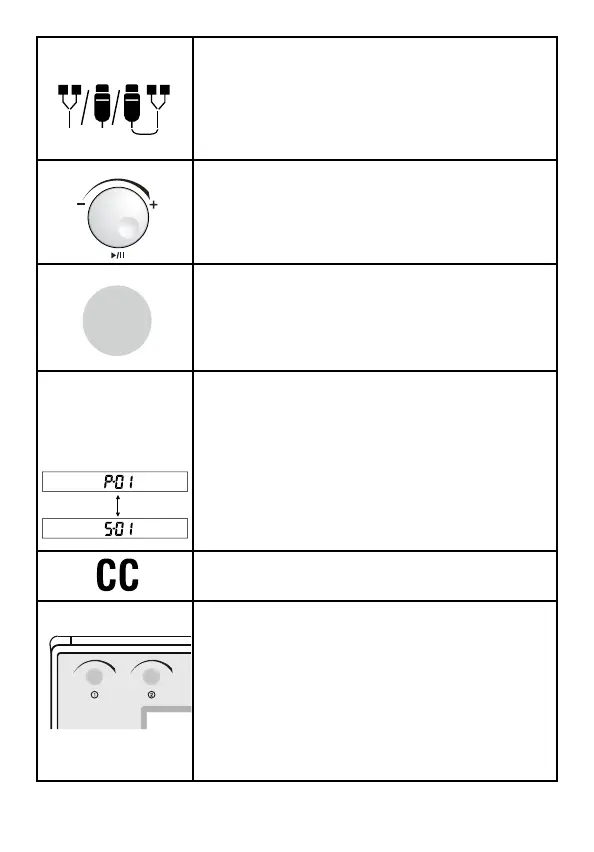
10. There are two programs on this device:
• Common program
• Specialty program.
Common program has only one treatment
phase and the program displays “P-”. In
specialty program, there are three treatment
phases display and the program displays “S-”
like figure. You can press and hold [Program/
CC/CV] button to switch them.
11. Press the [Program/CC/CV] button to
choose CC for constant current.
12. To adjust the output intensity, press
the corresponding channel being used for
treatment and rotate the knob clockwise until
a strong but comfortable stimulation is felt.
The “STIM” symbol indicates when the device
is giving the patient an active stimulation.
When “STIM” is not present on the screen,
DO NOT increase intensity anymore until it is
displayed again, to avoid any sudden spikes.
Program
CC/CV
a b c



 To Next Page