37
1. To turn on the device, press the ON/OFF
switch to [
] icon which is located on the
side of the device.
2. When you turn the ComboCare™ on,
the device will perform a self-check for
about 6~8 seconds, and then the default
parameters will display the last treatment
mode.
3. Press channel 1 or 2 knob to enter channel
1 and channel 2 parameter setting mode.
4. Press the [Waveform] button to choose
the therapeutic waveform. Then rotate the
central controller dial (
) to select “IF-2P”
waveform.
5. Press the [Program/Save] button to
choose between P1-P10. Then rotate the
central controller dial (
) until the desired
program number is displayed.
6. There are two modes in the device:
Normal/Default Mode
Professional Mode
To switch from Normal to Professional, press
and hold the [Step] button until you hear a
“Beep”. The program will change from P1 to
S1 for professional mode.
In Professional Mode, each program has 2
treatment steps. Press the [Step] button
again and the display will show like the figure
to the left. The parameters of each step can
be set according to the following methods.
8. Press the [Beat H.] button, and then rotate
the central controller dial (
) to set the
parameter from (Beat. L) Hz to150Hz, 1Hz/step.
9. Press the [Beat L.] button, and then rotate the
central controller dial (
) to set the parameter
from 1Hz to (Beat. H) Hz, 1Hz/step. (Note: Beat L
parameter will not exceed Beat H. setting)
10. Press the [Time] button, and then rotate
the central controller dial (
) to set the
treatment time from 1min to 60min, 1min/step.
11. Press and hold the [Save] button until you
hear a “beep” sound if you want to save all
settings. Note: The settings will not be saved
if you have not followed the steps above.
12. Place the electrodes on the patient.
You will need to use at least one channel,
with two electrodes. You can also use two
channels with four electrodes as shown in
the figure to the left. Place electrodes at least
2” but no more than 6” apart, per channel.
13. Adjust the output intensity and start treatment
by rotating the output intensity adjustment knobs
on the control panel. (0.5mA/step or 0.5V/
step.) The “STIM” symbol in the LCD indicates
there is intensity output. Some waveforms have
a pause in the middle of treatment and then it will
start up again. DO NOT increase intensity if
“STIM” is not blinking at the top.
14. For safety purposes, the load detection
function was designed so when the output
intensity surpasses 10.0mA/10.0V, and there
are no electrodes placed on the patient’s
skin or the device has not been connected to
electrodes, an alarm buzzer will sound and
the intensity value will flash and reset to zero.
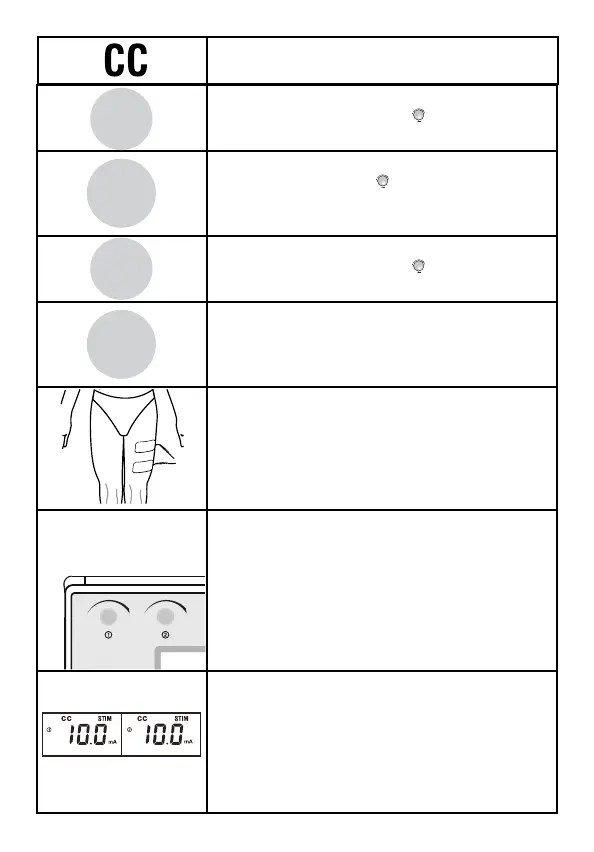
7. Press the [Waveform] button to choose
CC for Constant Current
Beat H.
A.M.
Duty
Beat L.
P. Dur.
Freq.
Time
Cycle
Ramp
Program
Save



 To Next Page