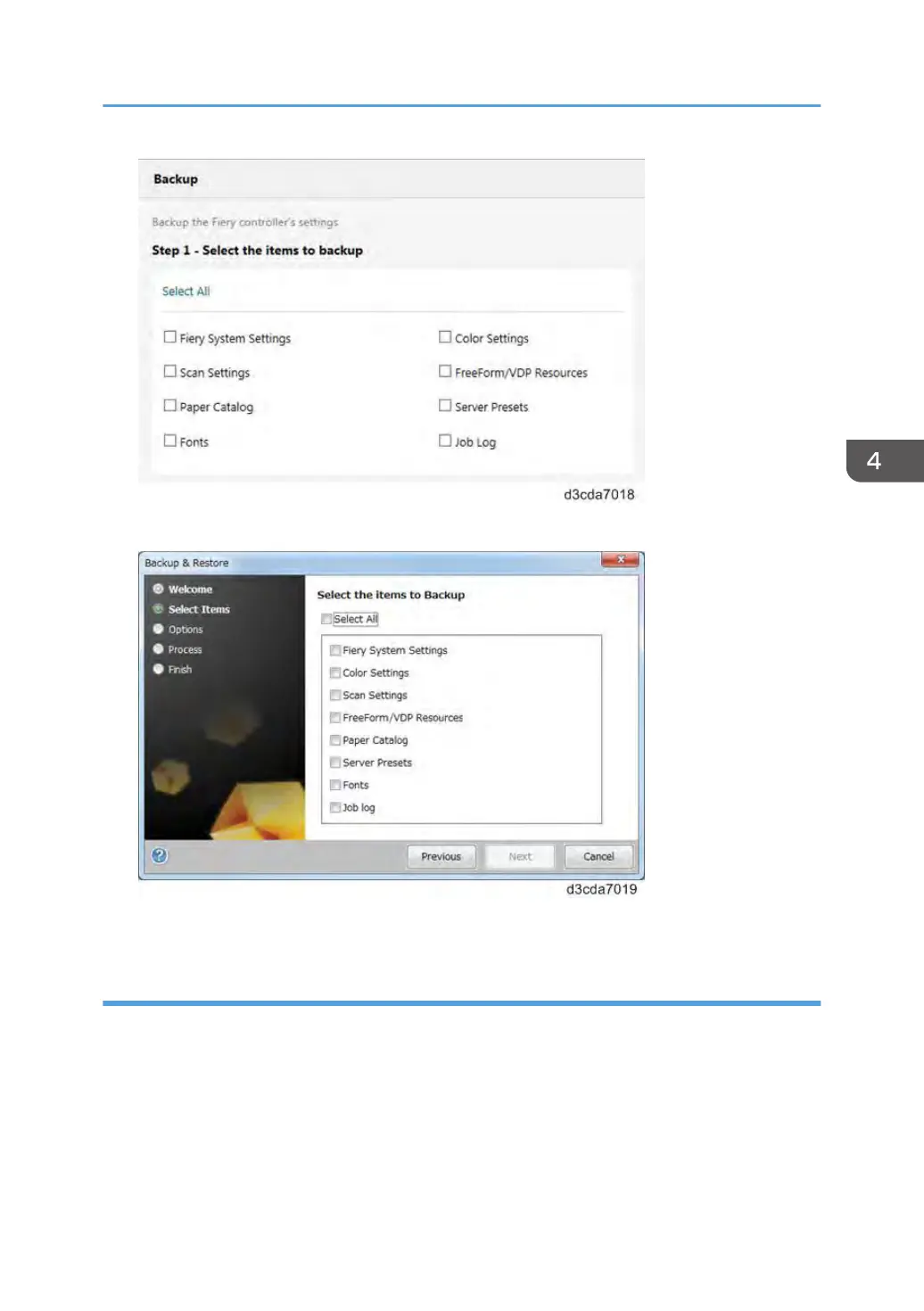
• From Command WorkStation, go to Device Center tab > General > Tools > "Backup & Restore".
The following is the procedure when starting from Configure.
Creating Backup Files
1. Print a configuration sheet and confirm the date, time, and time zone are correct.
If not, correct the date and time. [Link to page 72 "Adjusting the System Date and Time"]
2. Go to Configure. [Link to page 68 "Accessing Configure"]
3. Choose Fiery Server.
4. Click Backup.
5. Select the items to backup.
Backup/Restore
133



 To Next Page