[L] Video interface board PCIE_x16
When Installing the Keychip
Make sure you install the Keychip in the correct direction. Installing it in the wrong direction may
damage the pins. The cutout [A] must be facing toward the center of the motherboard.
Memory – 2GB DIMM (E-24B)
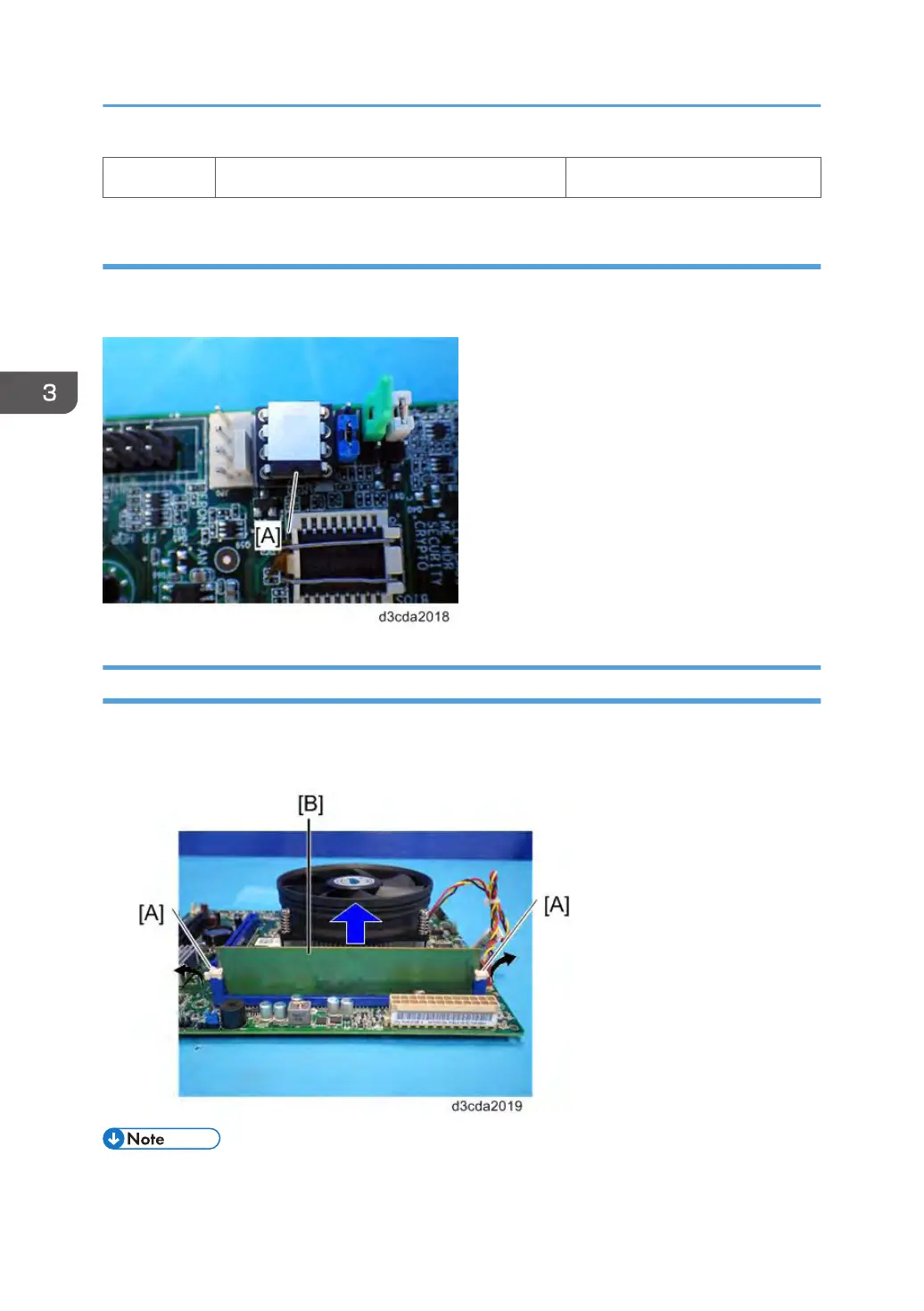
1. Push outward on the levers [A] on each side of the DIMM.
2. Slide the DIMM [B] straight out of the socket.
• Always attach the DIMM [B] to the DIMM A1 socket.
3. Replacement
86



 To Next Page