Connecting E-24B to the Copier
Preparation for Installing E-24B
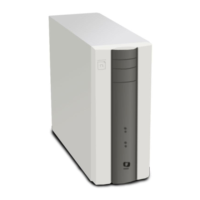
After you unpack the E-24B, connect the E-24B to the copier before you connect it to the network. This is
to confirm that there are no problems with the hardware and controller itself.
• Before doing the following steps, turn OFF the controller main power switch and copier main
power switch, and disconnect the power cords.
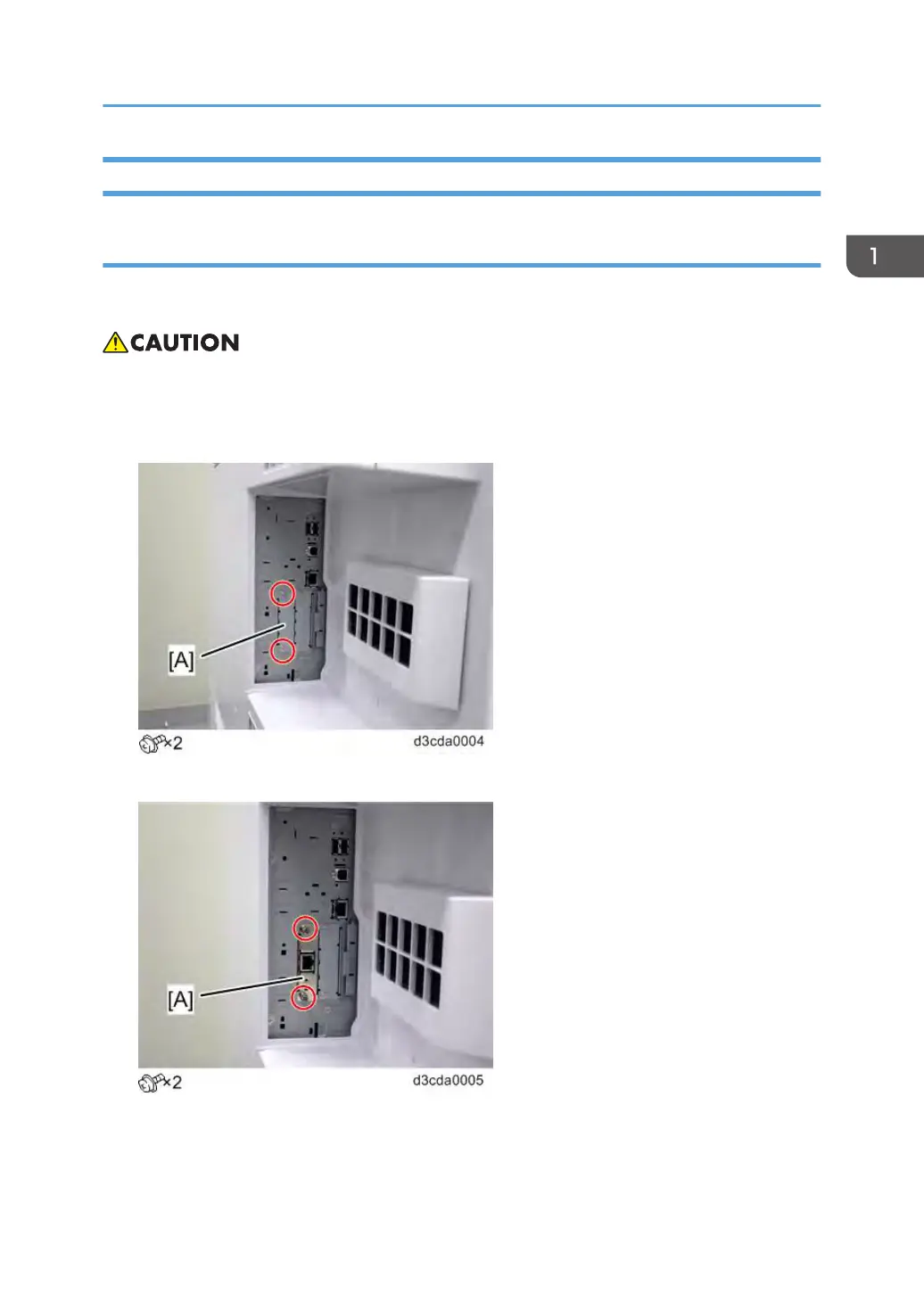
1. Remove the slot cover [A].
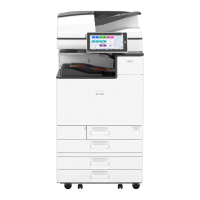
2. Insert the Gigabit Ethernet PCB [A] and fasten it.
Machine Installation
15


 To Next Page