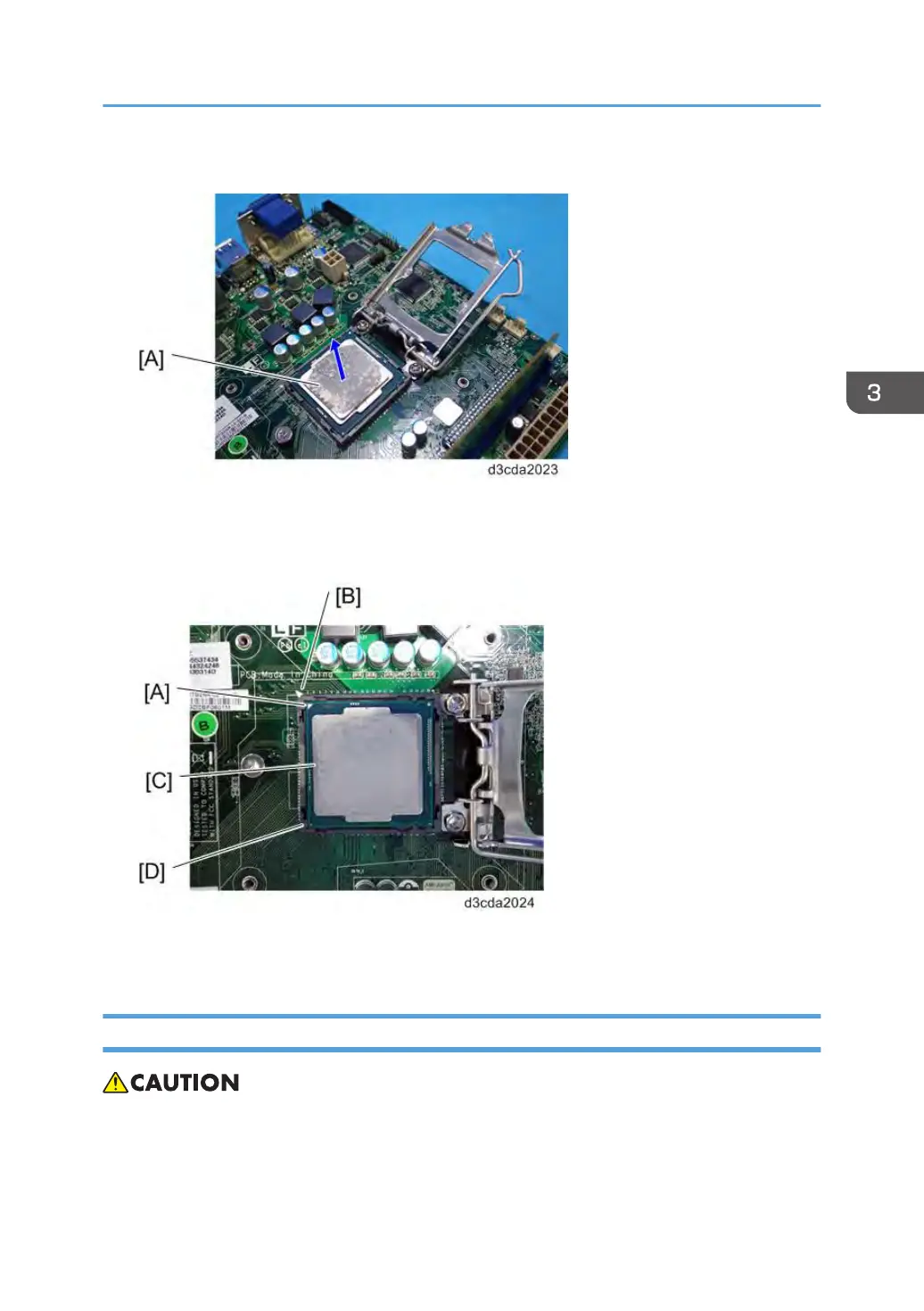
2. Grasp the CPU [A] by its edges and gently lift it from the socket.
For Re-attaching:
•
Check the location of the arrow [A] on the CPU [C] and align it with the arrow on the motherboard
[B] when you insert the CPU into the socket [D]. (See the illustration below.)
• Be careful not to bend the pins when you insert the CPU into the socket.
•
Set the CPU in the socket completely and without forcing it.
Lithium Battery
• There is danger of explosion if the battery is replaced with the incorrect type. Replace with only
with the same lithium battery supplied as a spare part.
Unit Removal
89



 To Next Page