13. Reboot the E-24B.
14. Optional: After restoring the E-24B, run System Updates to ensure the latest E-24B
software version is installed.
15. Optional: If a backup of the configuration settings is available, restore the configuration
settings as described in this document [Link to page 134 "Restoring Backup Files"]
This can be useful if the configuration backup is more current than the system image backup (for
example, when restored to the factory default) or if the configuration backup includes the job log
and VDP/FreeForm Resources.
Backing Up/Restoring E-24B System with Fiery Clone Tools
The Fiery Clone Tool allows you to clone the entire Fiery system to an image file and save it in a folder
on a USB flash drive connected to the E-24B. You can restore the image file to the same E-24B (with
same key chip) in order to restore the system to a previous configuration.
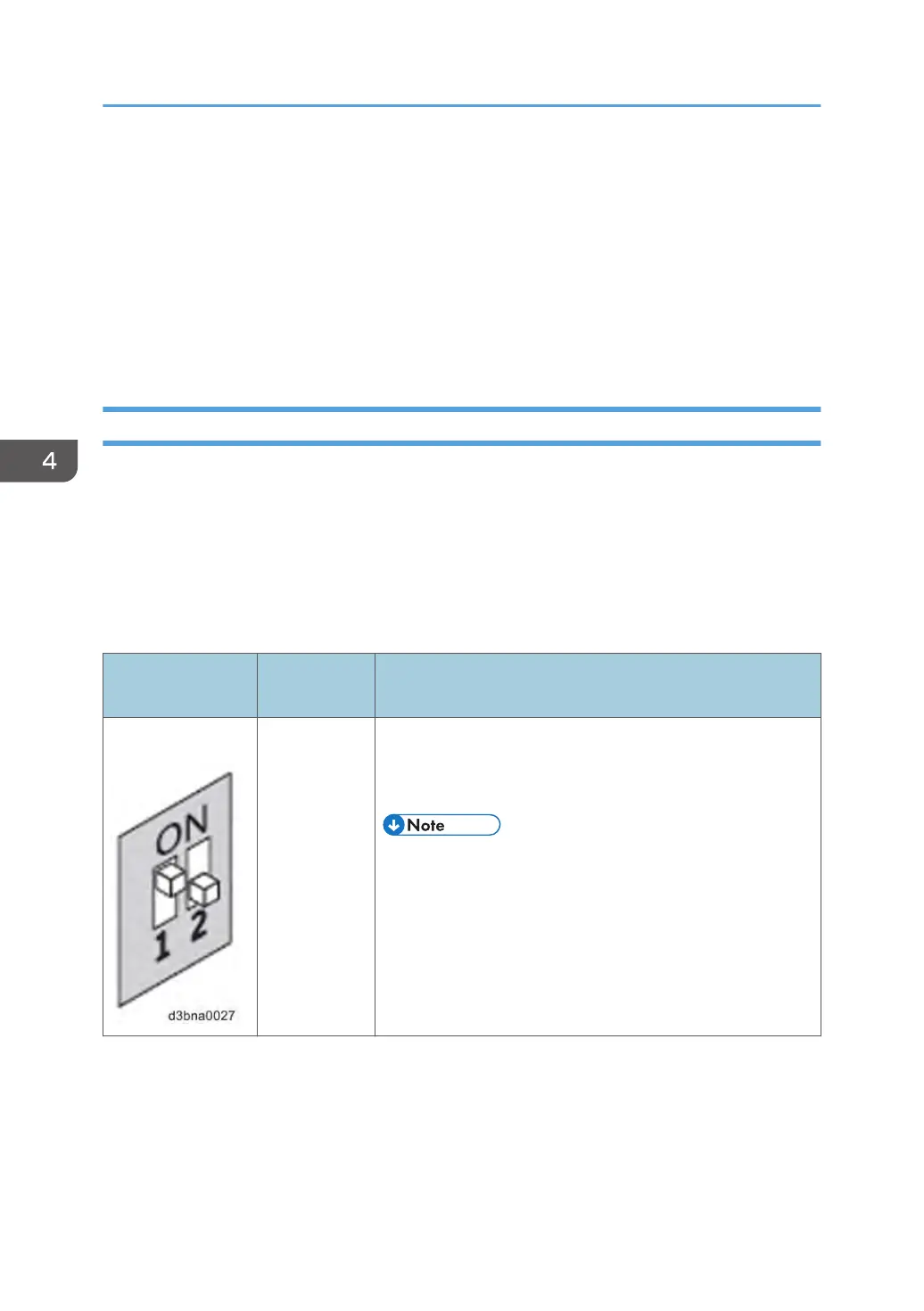
The Fiery Clone Tool functions with the service switches and the diagnostic LEDs of the rear panel of the
E-24B to communicate the status, error, progress and actions required. The service switches are used to
apply an action. The diagnostic LEDs flash codes in one second intervals to prompt required actions and
to indicate progress and completion of a process, and in half-second intervals to indicate error statuses.
Service switch
position
LED status
code
Description
Boot AA, 00 • To boot the E-24B from the USB flash drive.
•
The diagnostic LEDs flash "AA" then "00" and repeats to
indicate boot status.
• This setting must be performed before you start and using
the Fiery Clone Tool.
4. System Maintenance
142



 To Next Page