• Discard the used motherboard battery in accordance with the manufacturer’s instructions and local
regulations.
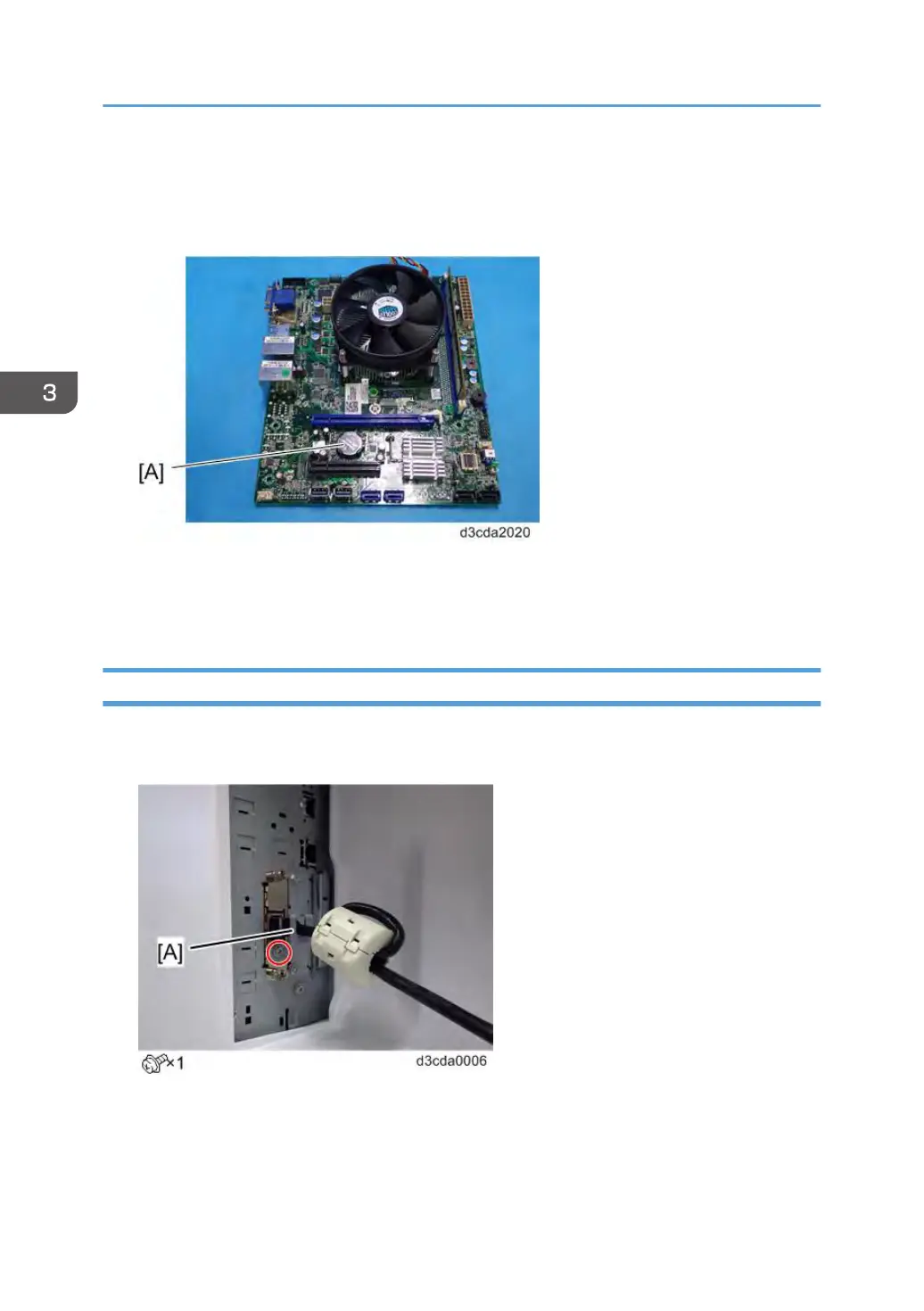
1. Remove the lithium battery [A].
For Re-assembling:
You need to re-configure the system date, time, and time zone. [Link to page 72 "Adjusting the System
Date and Time"]
Gigabit Ethernet Controller
1. Remove the protection plate [A] and pull out the interface cable from the copier Gigabit
Ethernet port [A].
3. Replacement
90



 To Next Page