Printing the Configuration Page or Test Sheets
1. Make sure that the E-24B is not in use.
2. Press the Home button on the operation panel of the copier and then touch the Fiery icon
to access the Fiery menu screen.
3. Move to the Fiery tab.
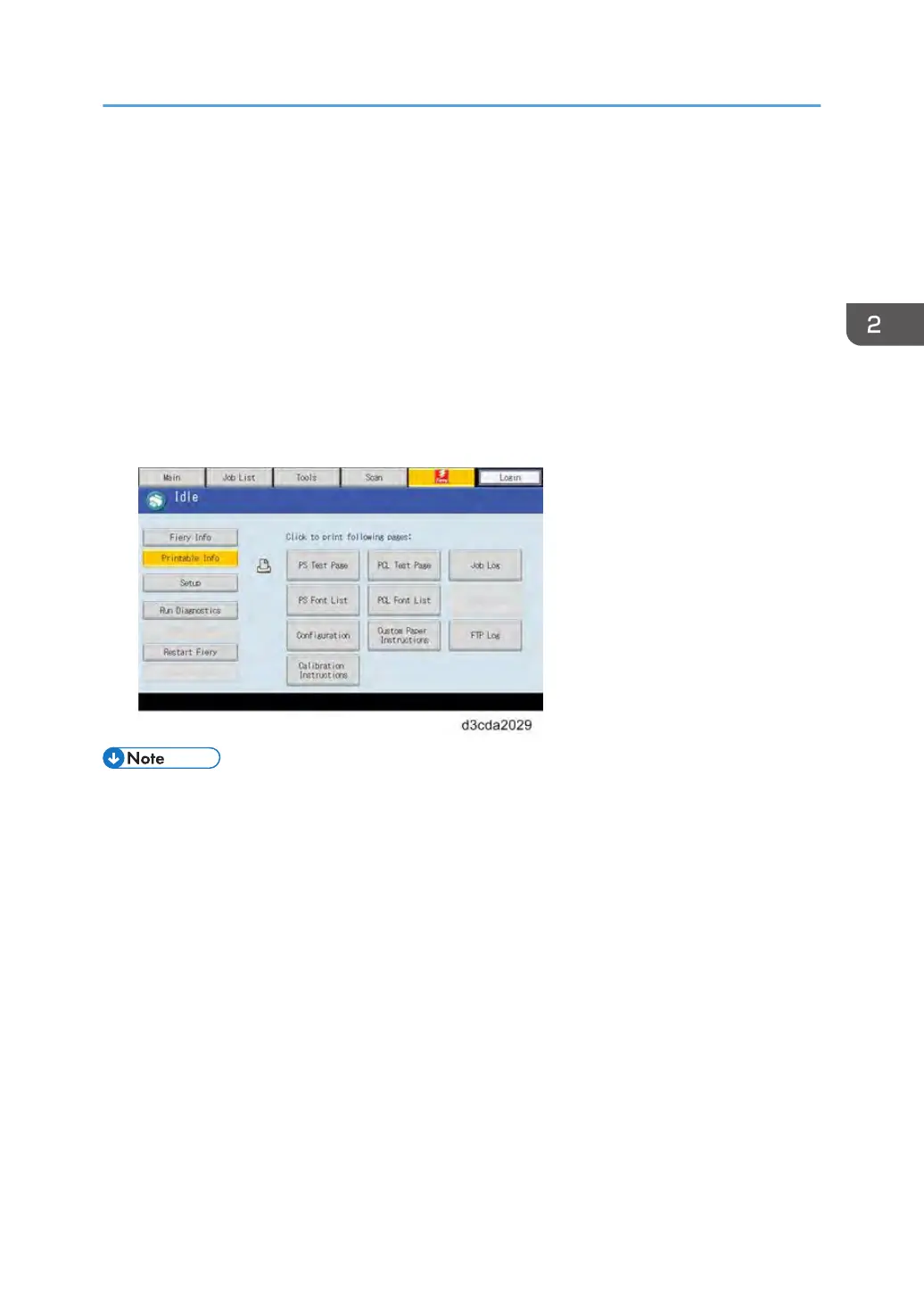
4. Touch “Printable Info”, then touch the desired key.
•
Configuration Page
• PS Test Page
• PCL Test Page
• The configuration sheet can also be saved as a PDF or TXT file from the Command WorkStation.
•
Procedure: Launch Command WorkStation, login as Administrator, go to Device Center > General
> Server Configuration, and press the Save As button.
Printing the Configuration Page or Test Sheets
65



 To Next Page