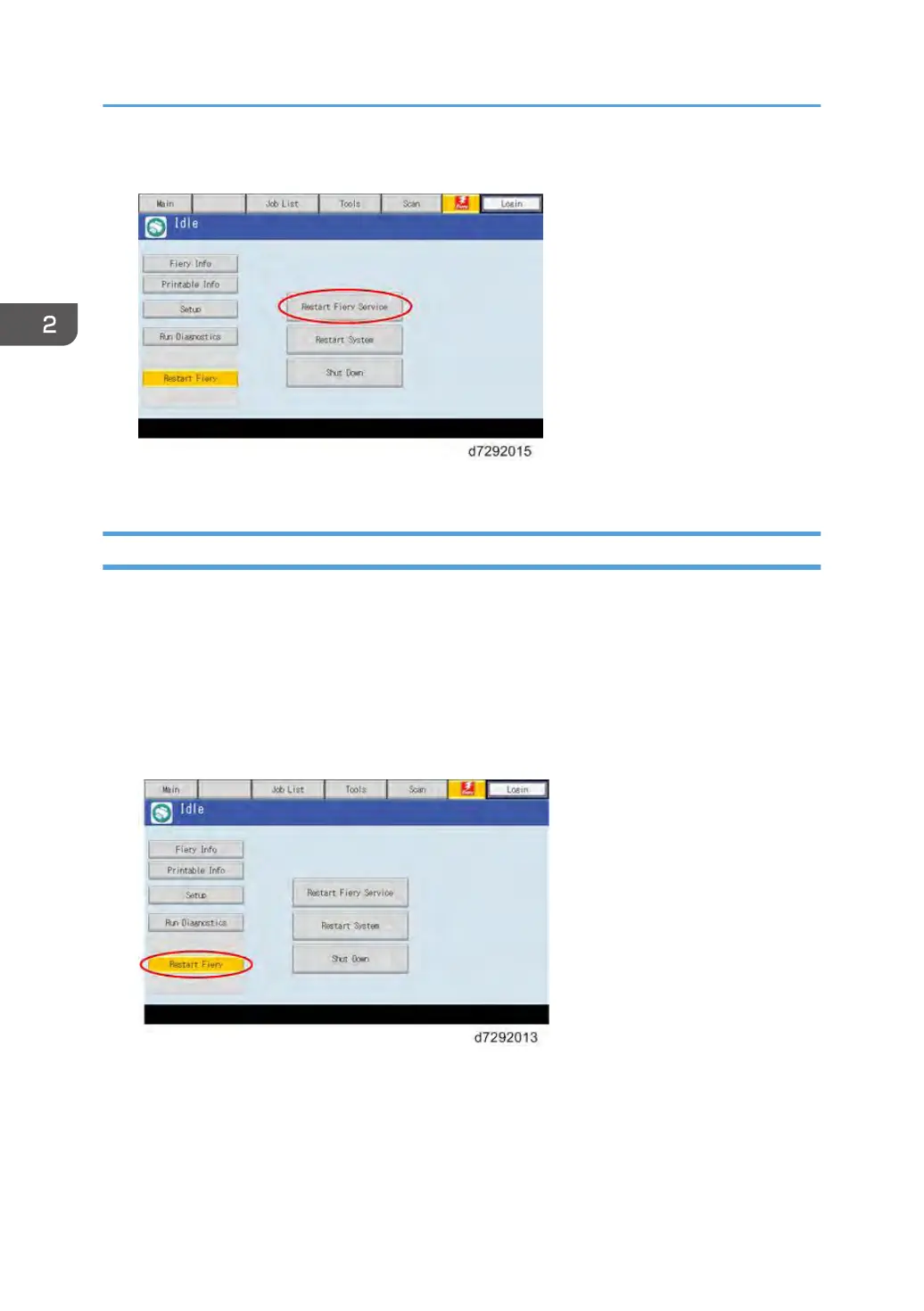
5. Touch “Restart Fiery Service”
6. Wait until the E-24B becomes idle.
Rebooting the E-24B
Use this procedure to reboot the system OS (for example, after downloading a patch).
1. Make sure that the E-24B is not in use.
2. Press the Home button on the operation panel of the copier and then touch the Fiery icon.
The Fiery menu screen appears.
3. Move to the Fiery tab.
4. Touch “Restart Fiery”.
2. General Operations For Servicing
62



 To Next Page