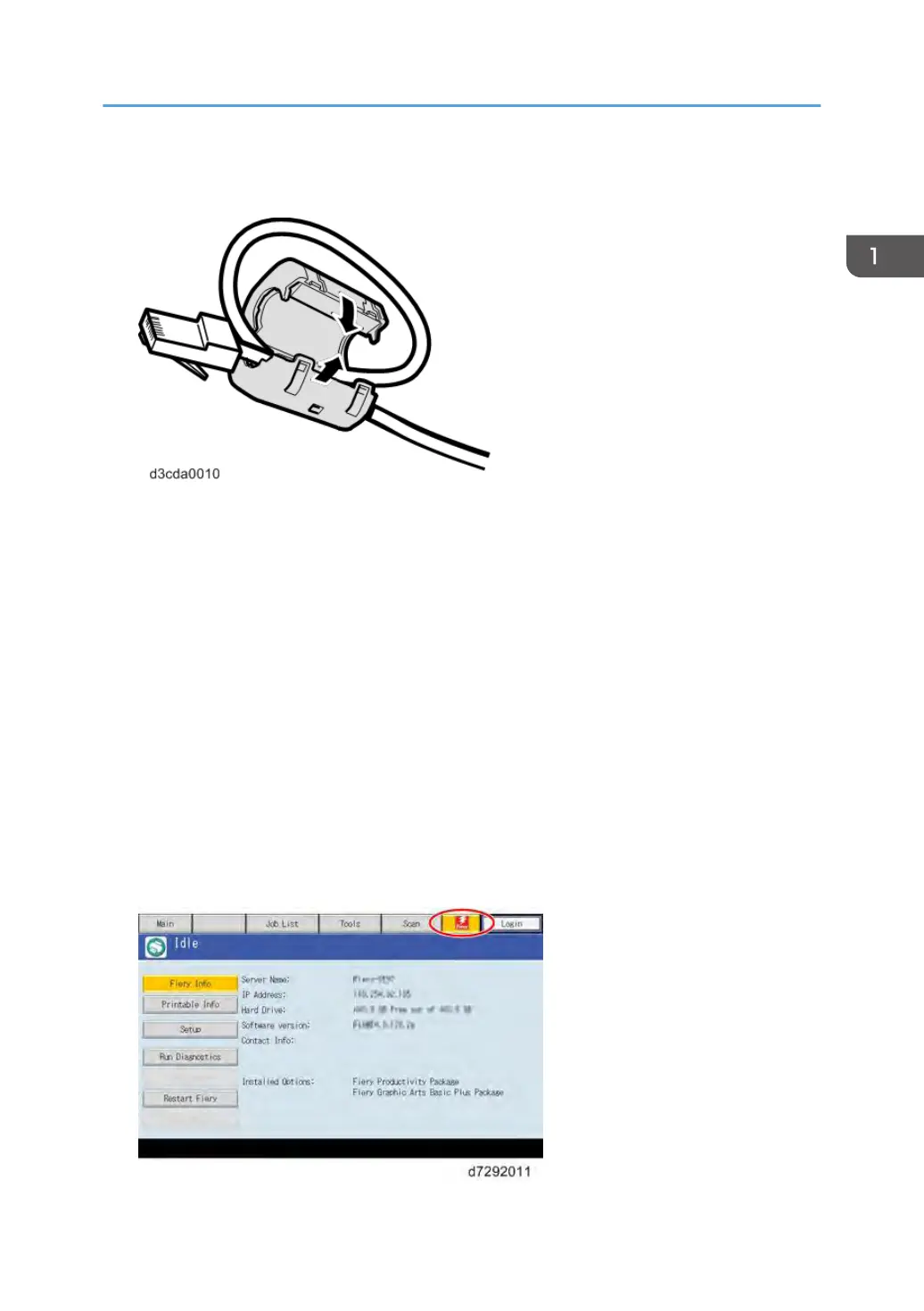
2. A core for the network cable is supplied with this controller. Make a loop at the end of the
network cable.
3. Connect the end of the network cable with the core attached to the LAN port on the E
-24B.
4. Connect the other end of the cable to the customer 's network, such as hub connector.
5. Make sure that the copier power is switched on.
6. Turn ON the power switch on the E-24B rear panel.
7. Press and release the soft power push button on the front panel of the E-24B.
8. Allow startup to proceed without interruption, while you watch the diagnostic LED on the
rear panel of the E-24B. When the diagnostic LEDs show '00', go to the copier operation
panel.
9. Press the Home button on the operation panel of the copier and wait for a few minutes
until the Fiery icon appears on the Home screen.
10. Touch the Fiery icon and wait about a few minutes until the Fiery menu screen appears.
11. Move to the Fiery tab.
12. Touch the "Setup" button.
Machine Installation
23



 To Next Page