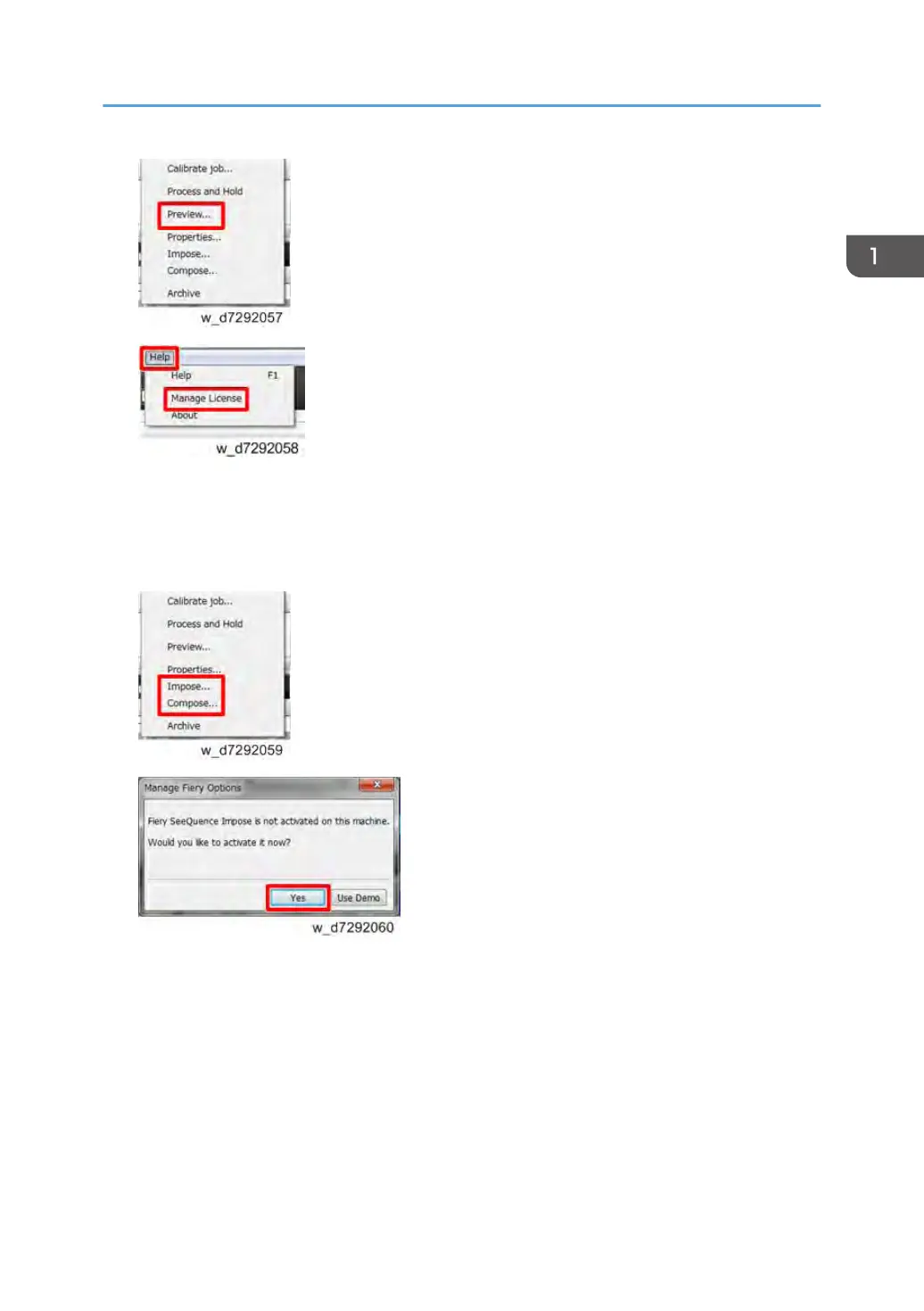
2. Access from Command WorkStation.
Launch Command WorkStation, right-click a job and select Impose or Compose. If you are
prompted to activate or not, click Yes.
Activation Procedure
The License Activation window opens.
Installing Optional Features
31



 To Next Page