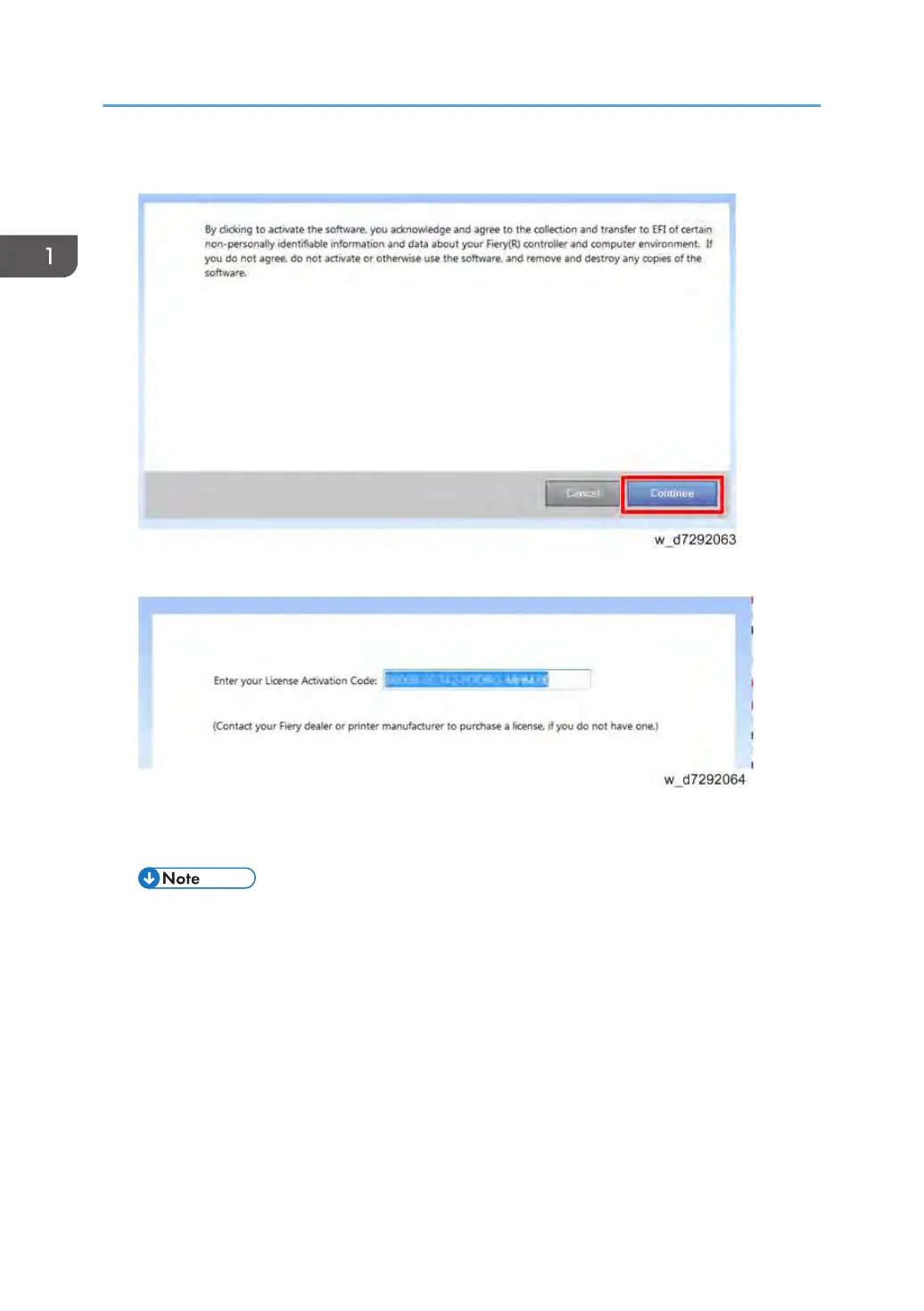
2. To agree to the terms and conditions of the license agreement, click Continue.
3. For License Activation Code, type the LAC and....
Server Options: click Activate.
Client Options: click Continue.
• If the E-24B needs a proxy server to connect to Internet, the following screen may appear. In
such case, click the link of "use a proxy server" and fill in the necessary information for proxy
server, then click Apply. Then click Continue.
1. Installation
36



 To Next Page