Ricoma Quick Start Guide34
Design settings menu
You may open the Design Settings menu during preparation status. Under this menu, you will be able
to command the machine to perform the following functions:
• Select the preset hoops on your machine
• Resize your design
• Rotate your design
• Select a customized angle for your design
• Repeat a design
• Adjust the density of your design
Note:
SELECTING PRESET HOOPS
Before embroidering, it is important to rst select the preset hoop on your
control panel to match the hoop you’re embroidering with.
You will select the preset hoop that corresponds with the hoop you’re using
under the Design Settings menu.
To do so, follow these simple steps.
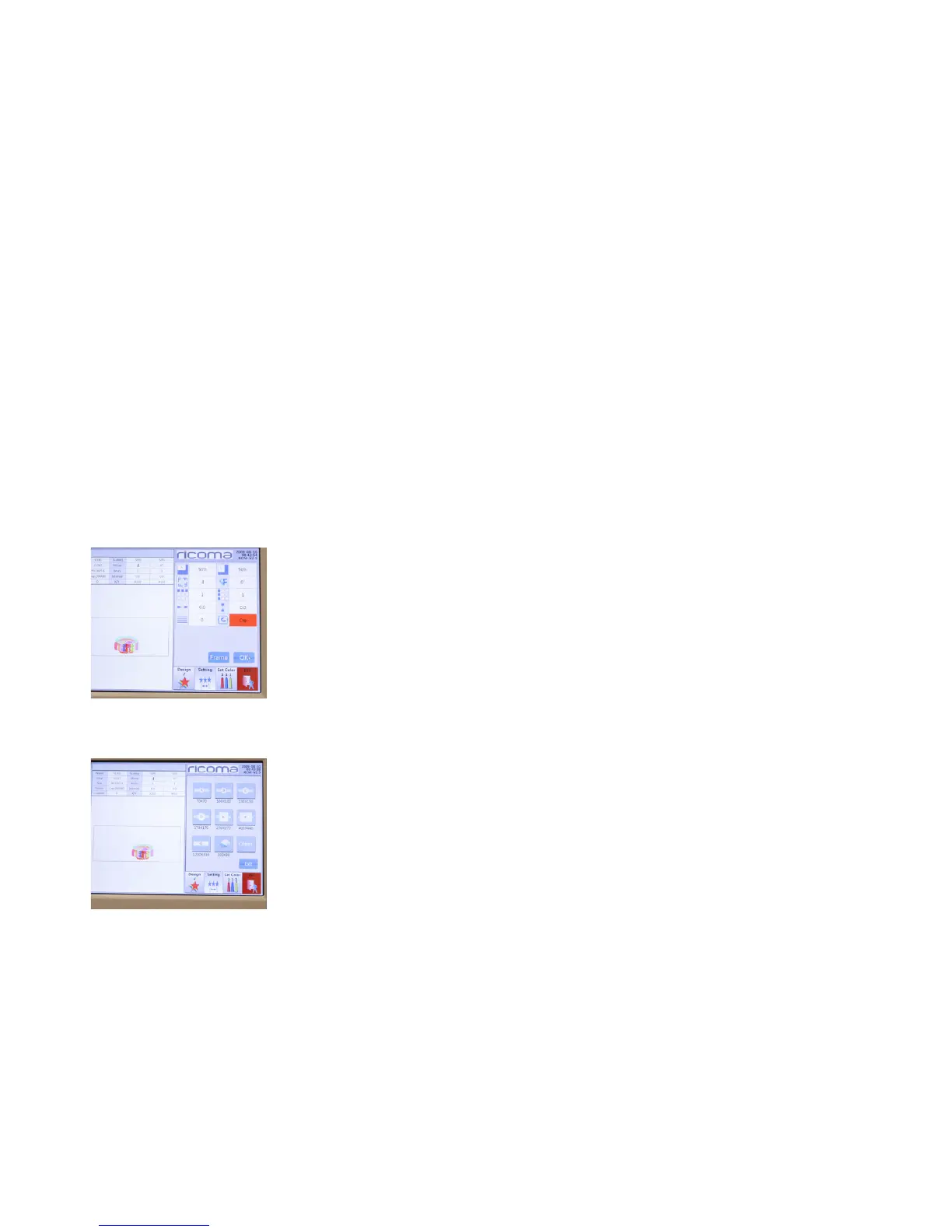
Figure 74
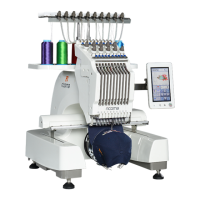
Figure 75
1. Select the function represented by an image of a cap inside a frame. See
Figure 74.
2. A list of all the preset hoops on your machine will appear.
3. Select the hoop you will be using. See Figure 75.
4. Your machine will now position itself to match the preset hoop you’ve
selected.
Note:
Note:


 To Next Page