31
20151763
Calibration and operation
6.5 Displaying the Info values
6.5.1 Identification date
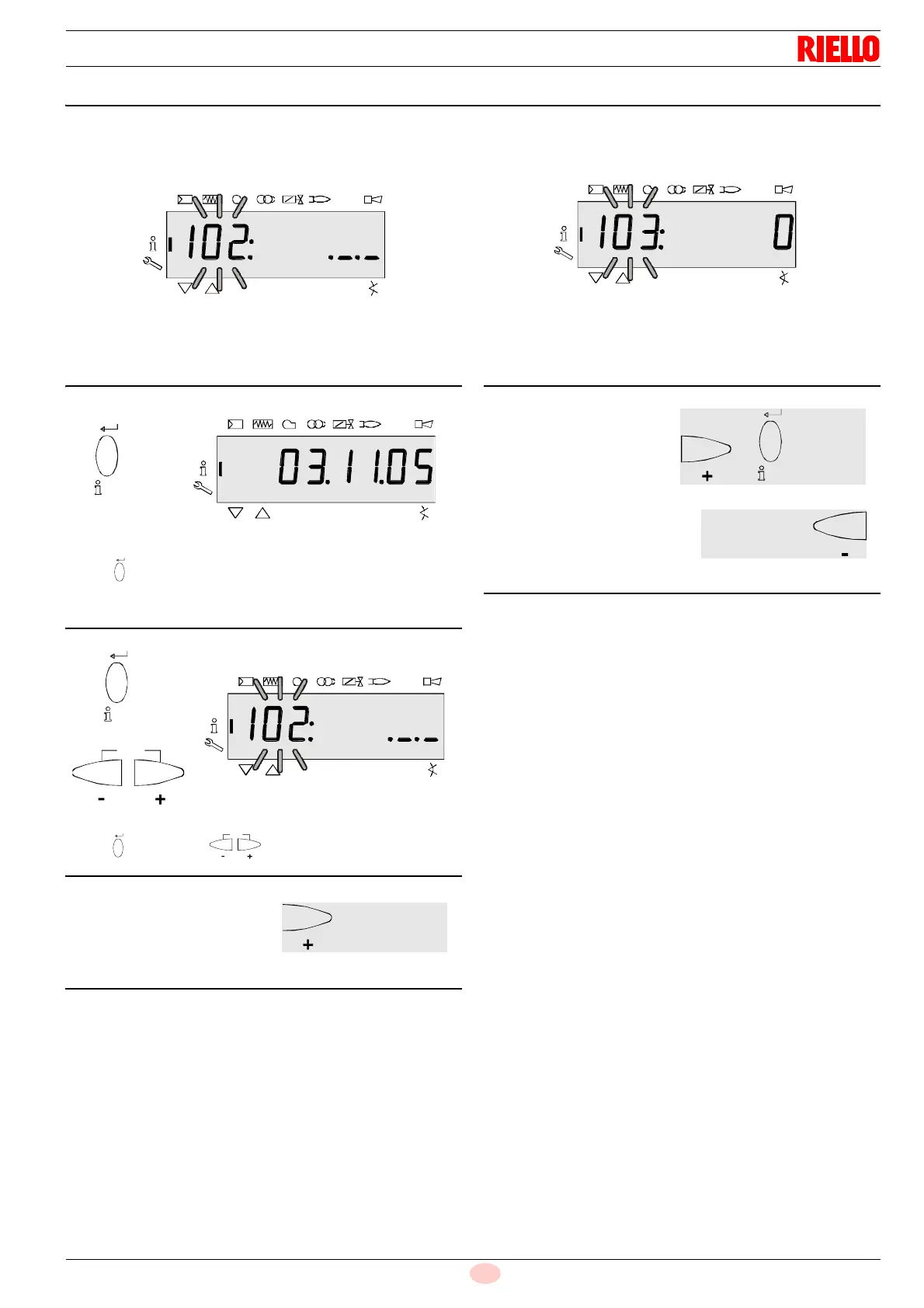
On the left, the parameter 102 is displayed: blinking.
On the right, ._._ is displayed.
Example: 102: ._._
Press “i/reset” for 1-3 seconds to display the date identifi-
cation DD.MM.YY.
Example: Identification date 03.11.05
Press “i/reset” or to return to the display of the pa-
rameters.
6.5.2 Identification number
On the left, the parameter 103 is displayed: blinking.
On the right, the identification number 0 is displayed.
Example: 103: 0
Fig. 42
On to next parameter
S9062
Goes back to the previous
On to next parameter
Fig. 44
parameter



 To Next Page