information about this instrument, as well as offers seven functions, including
“Welcome Page”, “Network Status”, “Web Control”, “Help”, “Security” and “LXI”.
(2) To view TCP/IP and Network Hardware Configuration, please click “Network
Status” icon to enter the network status information interface as follows.
Figure 3-3 Network status information
(3) Enter IP setting interface by clicking “Network Settings” icon. See figure below.
Figure 3-4 IP settings
After IP setting, you can choose “Apply” to validate the modification, or choose
“Cancel” to call off, as well as choose “LAN Configuration Initialize” to recover the
initial value.
(4) Click “Web Control” icon to get the following interface, you could change the
instrument setting by using the mouse to click corresponding keys* via virtual
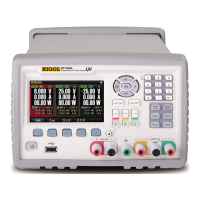
panel, so as to achieve remote control of DP1308A.


 To Next Page