Mastering Your System
Page 16
Caution:
Remember that no security system can prevent emergencies. This system is only intended to
alert you in case of an emergency and should not take the place of prudent security
practices or life and property insurance.
Follow Me Messaging
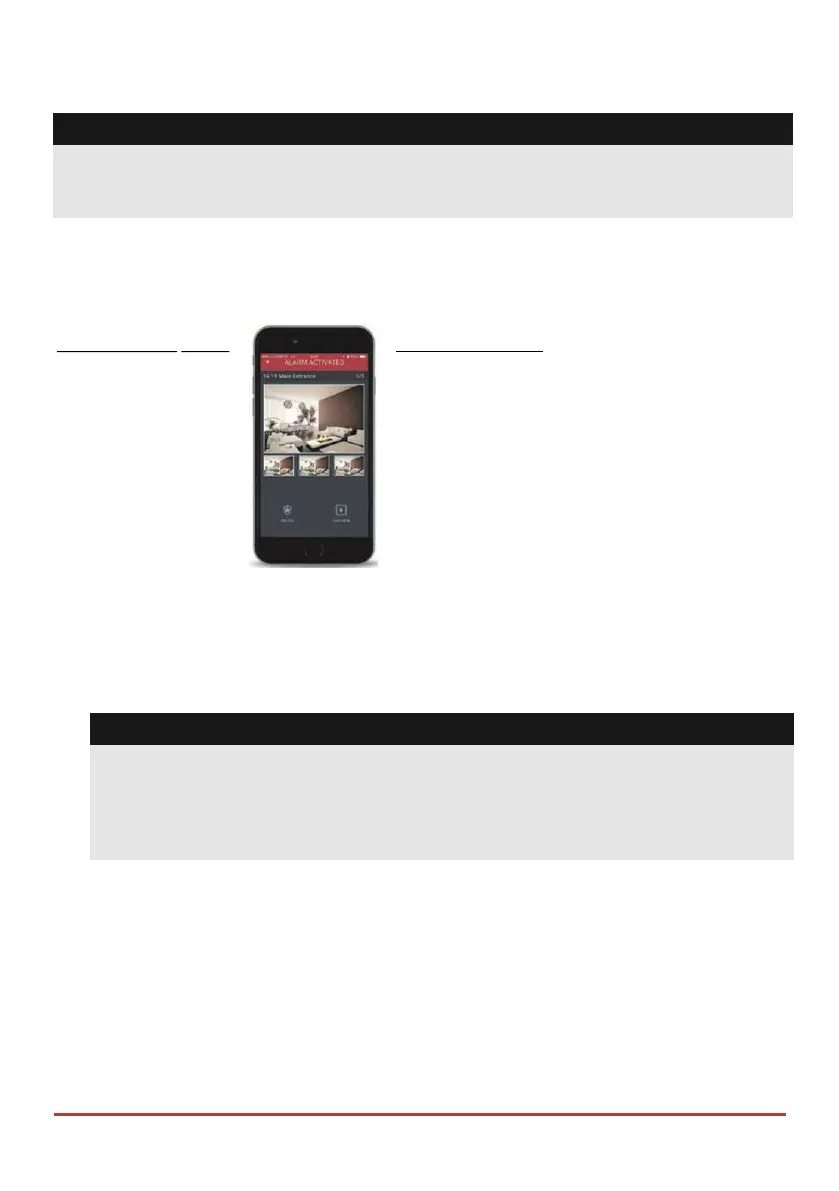
When an alarm or event, the system can initiate a report message of up to 16 predefined
designated destinations using a voice announcement, SMS, smartphone app, or email to
express the active event.
SMS Example: Email Message Example:
Security System: Subject: Alarm Security Message: Intruder Alarm
21/01/2011 System Name: John's Residence
Intruder Alarm Event: Fire Alarm, Zone 5, Entrance door
Partition 1 Time: 01 April 2011; 16:12
Entrance Partition: Partition 1, First floor
Service Contact: Monitoring Station 01, 035676778
Your installer defines the type of reporting to a Follow Me destination. Consult your
installer for the report type for each destination.
The definition of the telephone number or Email address for each destination is defined by
the grand master (see page 33).
Notes:
• Voice messaging requires using the LightSYS™2 voice module. This module also
enables the LightSYS™2 to announce various local messages to residents.
• SMS messaging requires the use of the LightSYS™2 GSM/GPRS module.
• Email messaging requires the use of the LightSYS™2 IP module.
LCD Status Display
The LCD status display will vary depending on the number of partitions in your system.
If your system is defined with only one partition, the LCD displays the partition name,
time and date.
If your system has two or three partitions, the LCD displays the system name, date, time
and the status of each partition. A status letter represents the partition’s status, as follows:
A: Partition Armed N: Partition Not Ready L



 To Next Page