User Functions and Settings
Page 29
Chapter 3 User Functions and Settings
Your LightSYS™2 comes with a variety of selectable user functions that become available
when you enter the User Functions mode. This chapter describes in detail the most frequent
user functions and also lists the complete menu of user functions.
To enter the User Functions mode, press and enter your code
followed by
To exit the User Functions mode and return to Normal Operation mode, press quickly.
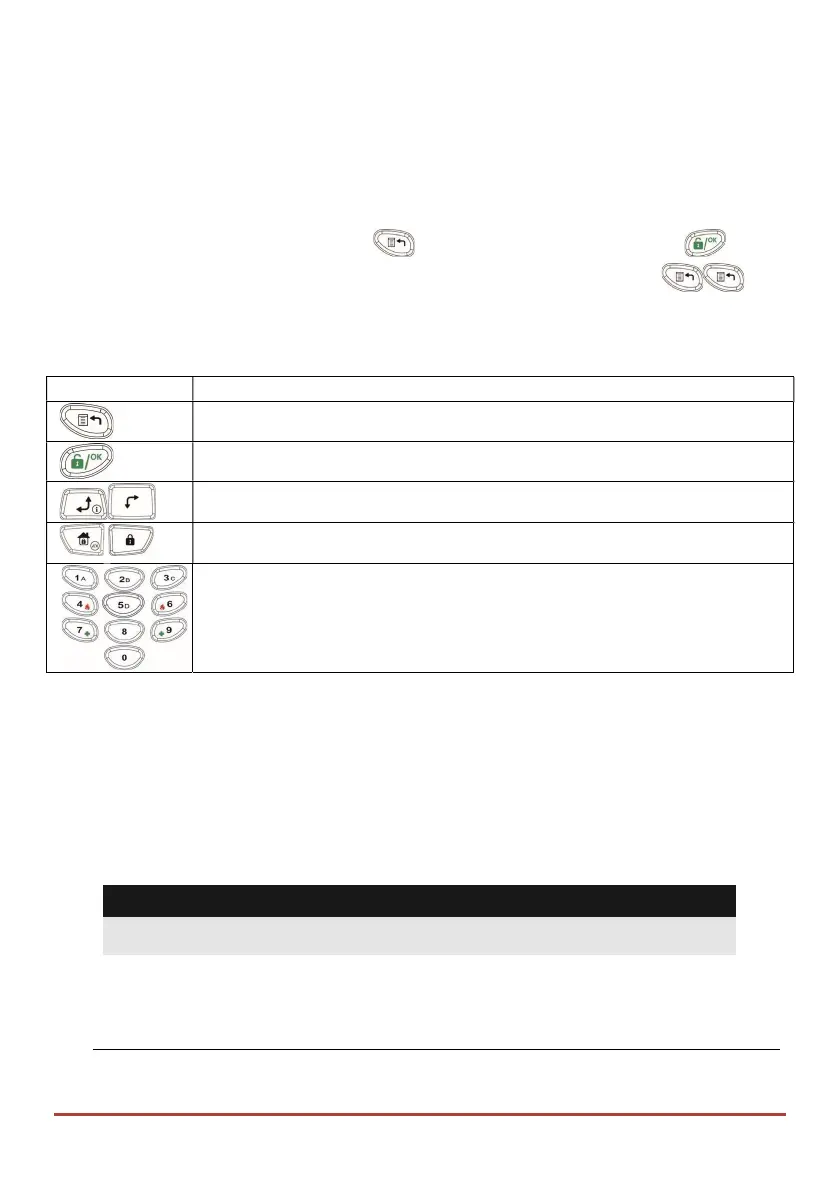
When using the keypad during the programming mode use the following table to
familiarize yourself with the functionality of the keys:
Function
Sequence
Exits from the current menu
Terminates commands and confirms data to be stored
Used to browse through the menu; Scrolls up a list or moves the cursor
Changes data
Numerical keys are used to input the numeric codes that may be
required for arming, disarming, or used to activate specific functions
User Codes
To perform many of the LightSYS™2 functions, a security code (often called a user code)
must be input. LightSYS™2 can support up to 16 different user codes. User codes may
have variable lengths of up to six digits.
Each individual using the system is assigned a user code, which, in turn, is linked to an
authority level. Those with a "higher authority" have access to a greater number of system
functions, while those with a "lower authority" are more restricted in what they may do.
LightSYS™2 supports up to nine authority levels.
Notes:
Consult with your installer to configure authority levels.
Authority Levels
Level Description
.



 To Next Page