User Functions and Settings
Page 35
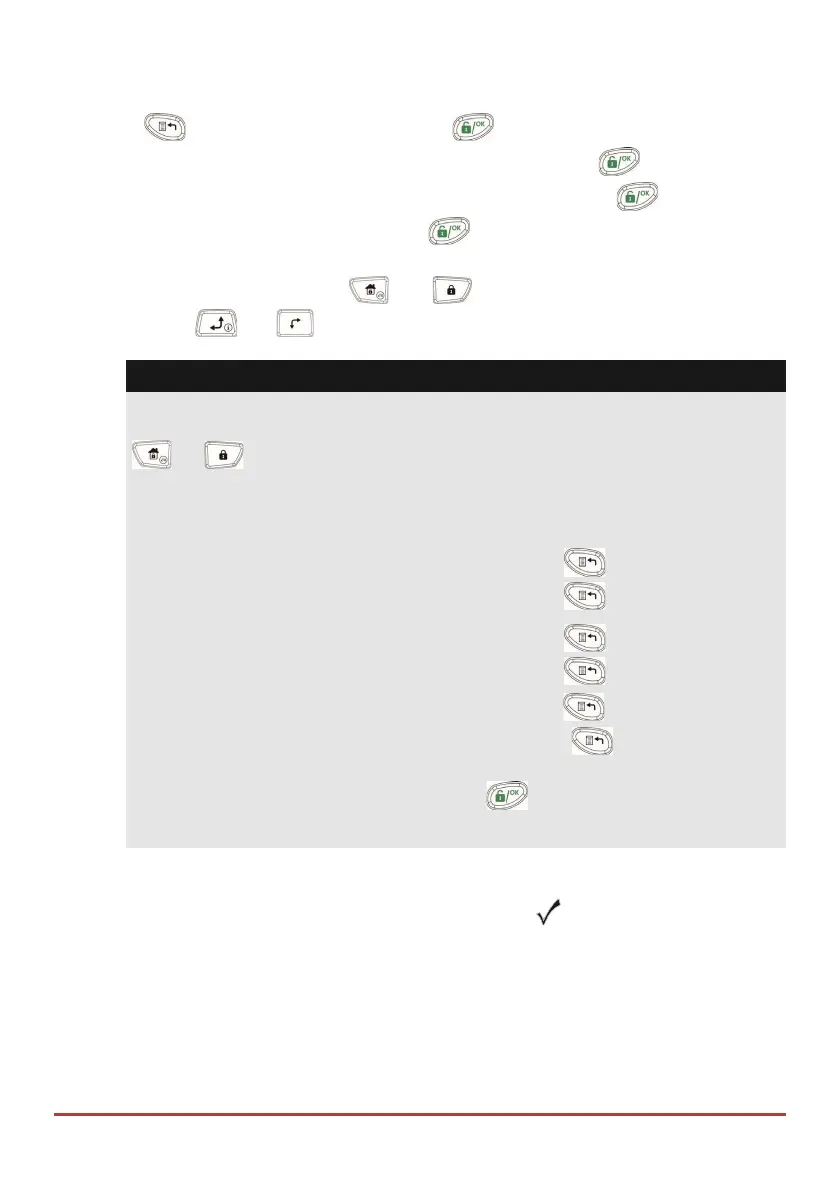
1. Press and enter your code followed by .
2. Using the arrow keys, scroll to the option Follow Me and press .
3. Select the Follow Me index number you want to define and press .
4. The display will show Destination. Press .
5. Enter the phone number, including the area code (if required) or email address. To
enter an email address, use the and keys to obtain the required
characters and use the and keys to move to the required character
position in the address.
Note
If required, when defining a telephone number (maximum 32 digits), include the
special functions described below to achieve the related effect.
You can press the
or
keys to toggle to the required character.
Function Sequence Results
Stop dialing and wait for a new dial tone 1 W
Wait a fixed period before continuing. 2 ,
Switch from Pulse to Tone (or from Tone to Pulse). 3 C
Send the DTMF character. 7
Send the DTMF # character #
Delete numbers from the cursor position [*]
simultaneously
When done with your complete entry, press to store it.
Bypassing zones
When an intrusion zone is not secured, the keypad's Ready/ icon will not light, nor can
the system be readily armed. Bypassing a zone enables you to arm a partition even if a
zone within that partition is open (not secured).
You may want to bypass a zone when access is needed to one zone in an otherwise
protected area, or to cause the system to temporarily circumvent a zone containing
damaged wiring until repairs can be made.



 To Next Page