User Functions and Settings
Page 39
Before programming a function key, it is recommended to note the keystroke sequence.
These keys will be entered in the form of characters in step 5 (below) of the procedure for
programming the macro key.
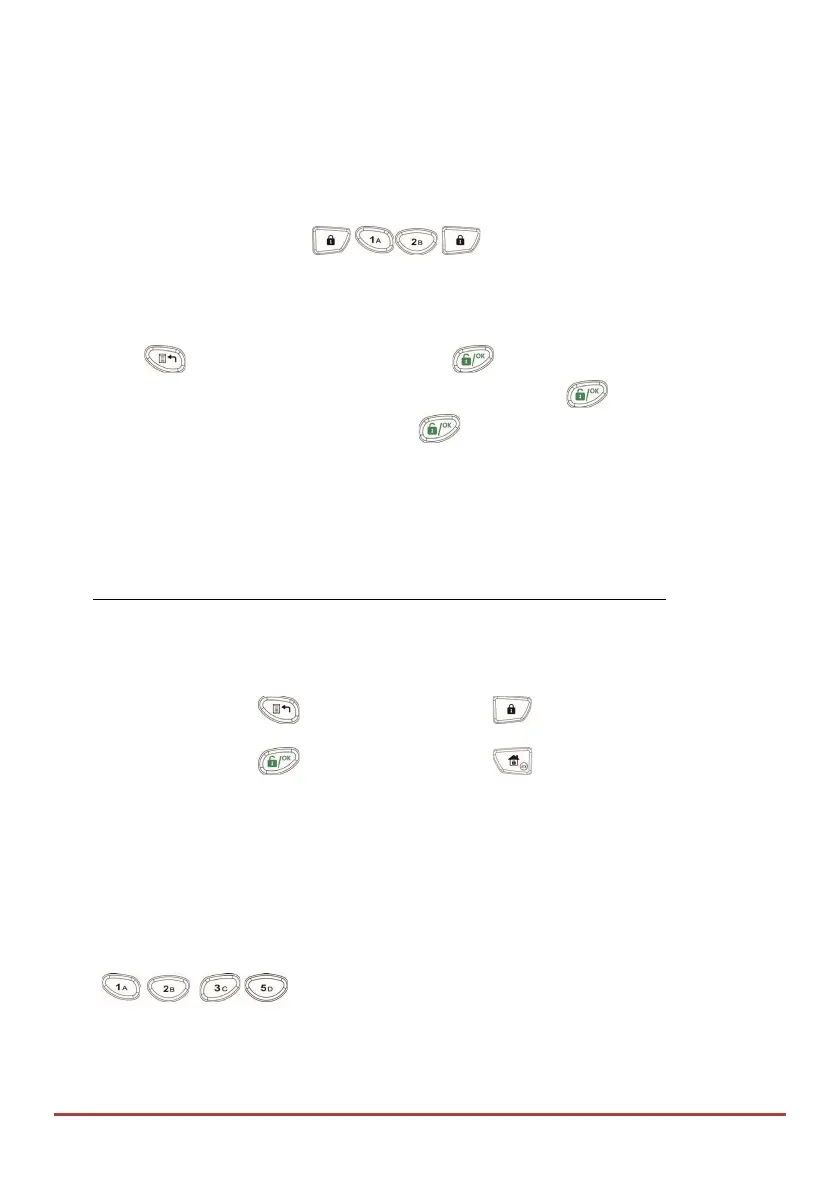
For example, to arm partitions 1 and 2 in a 3-partitioned system, you would press the
following keys in step 5: [Code]
This example requires the following sequence of characters: 1234r12r
To program a Macro:
1. Press and enter your code followed by .
2. Using the arrow keys, scroll to the option Macro and press .
3. Select a macro (A, B, C, or D) and press .
4. Press A (or the macro key you selected in step 3) for five seconds to start the
recording sequence
5. Enter the sequence of characters according to the following table:
Character Represents
0-9 The Numerical keys from 0 to 9.
A-D The macro keys from A to D (obtained by depressing
the 1,2,3 or 5 key for five seconds).
r
The key. Away
(full) arm
# s
The key. Stay arm
a–d Group A to D
6. When you have finished entering the series of characters, ensure that the cursor is
placed in the field after the last character in the series, and press A (or the function
key you selected in step 4) again. The series of characters is saved and assigned to the
selected function key
Activating a Macro
Press on the keypad for two seconds to activate the macro A/B/C/D
respectively.
/
/
/



 To Next Page