APPENDIX (I)
TEST MODE
GR3770APX(I)-1
1. TEST MODE
1. OPERATION PROCEDURES
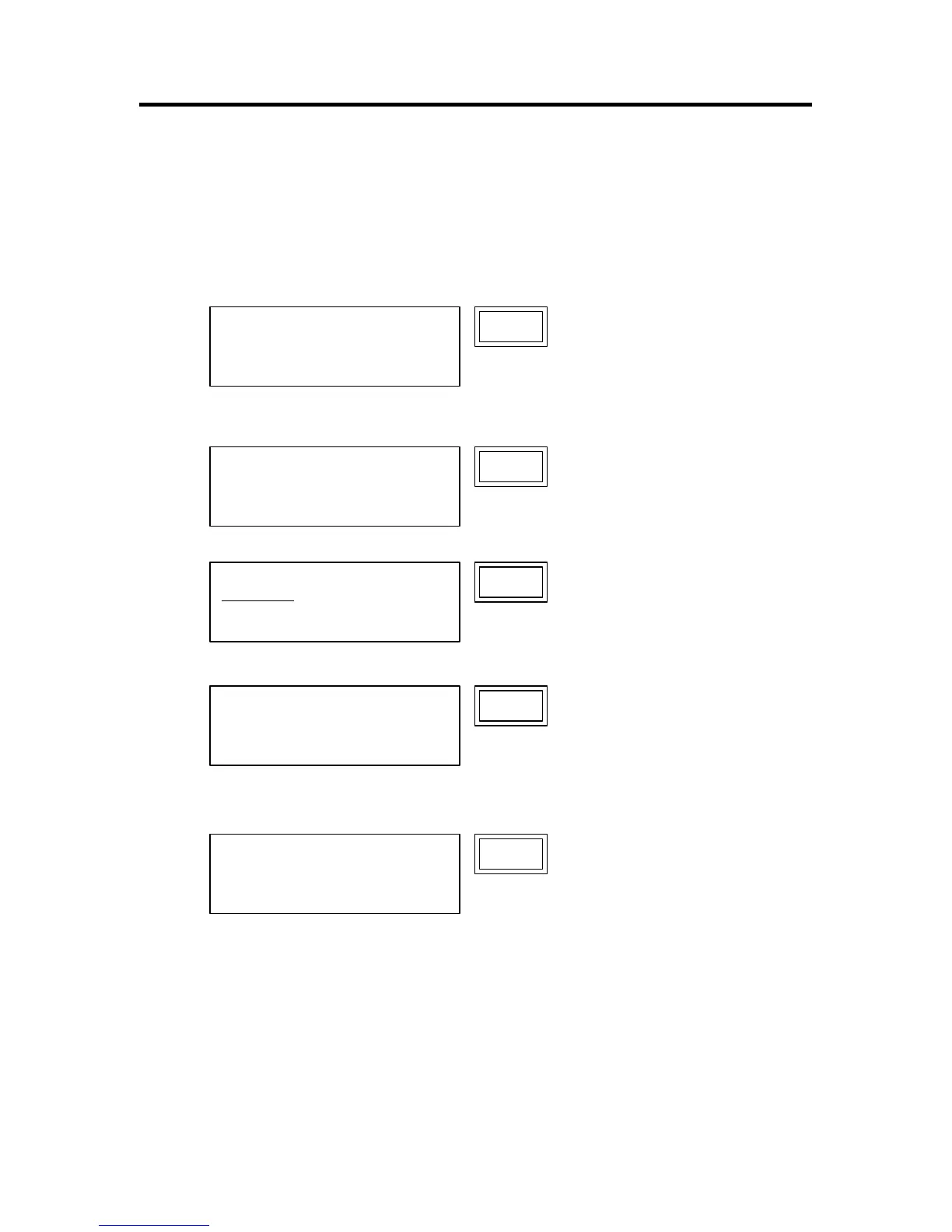
(1) Starting Up Test mode
Turn on the power, pressing down both <M/P> and <LINE/PHOTO> buttons on the main panel.
← Ver.No. of the system ROM
← Ver.No. of the panel ROM
(2) HOW TO OPERATE
<1> Input a test mode No. by using panel-keys.
(For example, when No.64 separation fan has been selected.)
<2> Press <START> key to start operation.
<3> Press <START> key one more time to stop operation.
<4> To select another Test mode, clear the set Test No. by pressing the <C> or <STOP> button and select
another Test No.
(3) Exiting from the Test mode
To exit from a Test mode, clear the set Test No. by pressing the <C> or <STOP> button and then press the <ALL
RESET> button.
0
TEST MODE
Ver 1.23 SYSTEM
4.56 PANEL
64
TEST MODE
Ver 1.23 SYSTEM
4.56 PANEL
64
TEST MODE
- TESTING -
TEST MODE
Ver 1.23 SYSTEM
4.56 PANEL
0
TEST MODE
Ver 1.23 SYSTEM
4.56 PANEL
64










 To Next Page