10
of the main screen on the condition that there is enough
room for placing.
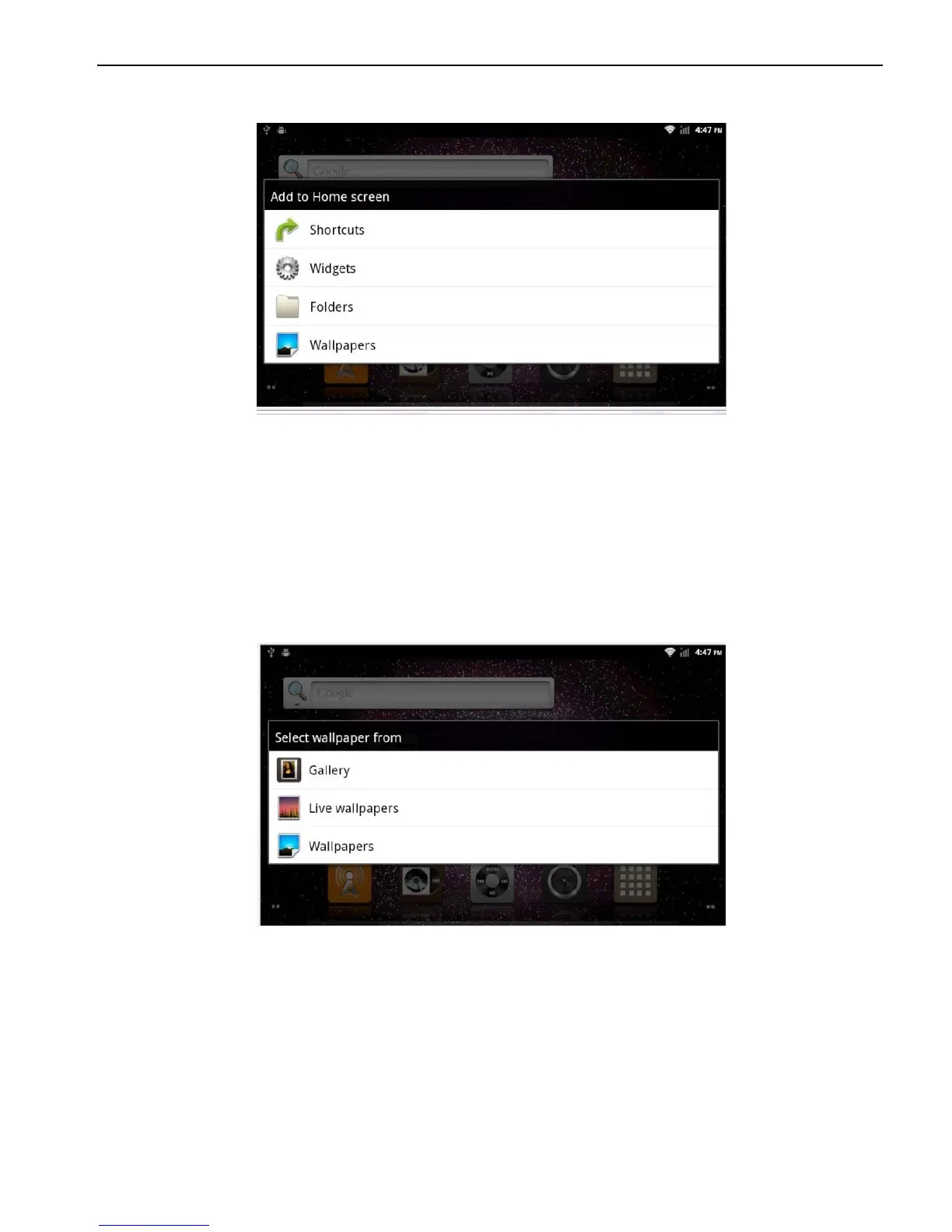
2.1.2 Setting Wallpaper
Click the blank area of main screen> Wallpaper
> Wallpaper or Pictures Bank
Choose your preferred wallpaper and click to set as wallpaper.
2.1.3 Shortcut
Click the blank area of main screen> shortcut
> Choose Shortcut
Click the shortcut needed.
2.1.4 Widget
Click the blank area of main screen> Widget
> Choose widget
Click the widget needed.



 To Next Page