16
5) Copy completed (30 mins approximately/3.5G ).
After successful installation, select the navigation program you need,
associate panel physical keys NAVI to it and the interface of the
navigation application icon in main menu. (See 2.2.4navigation options).
2.4 Radio
2.4.1 RADIO
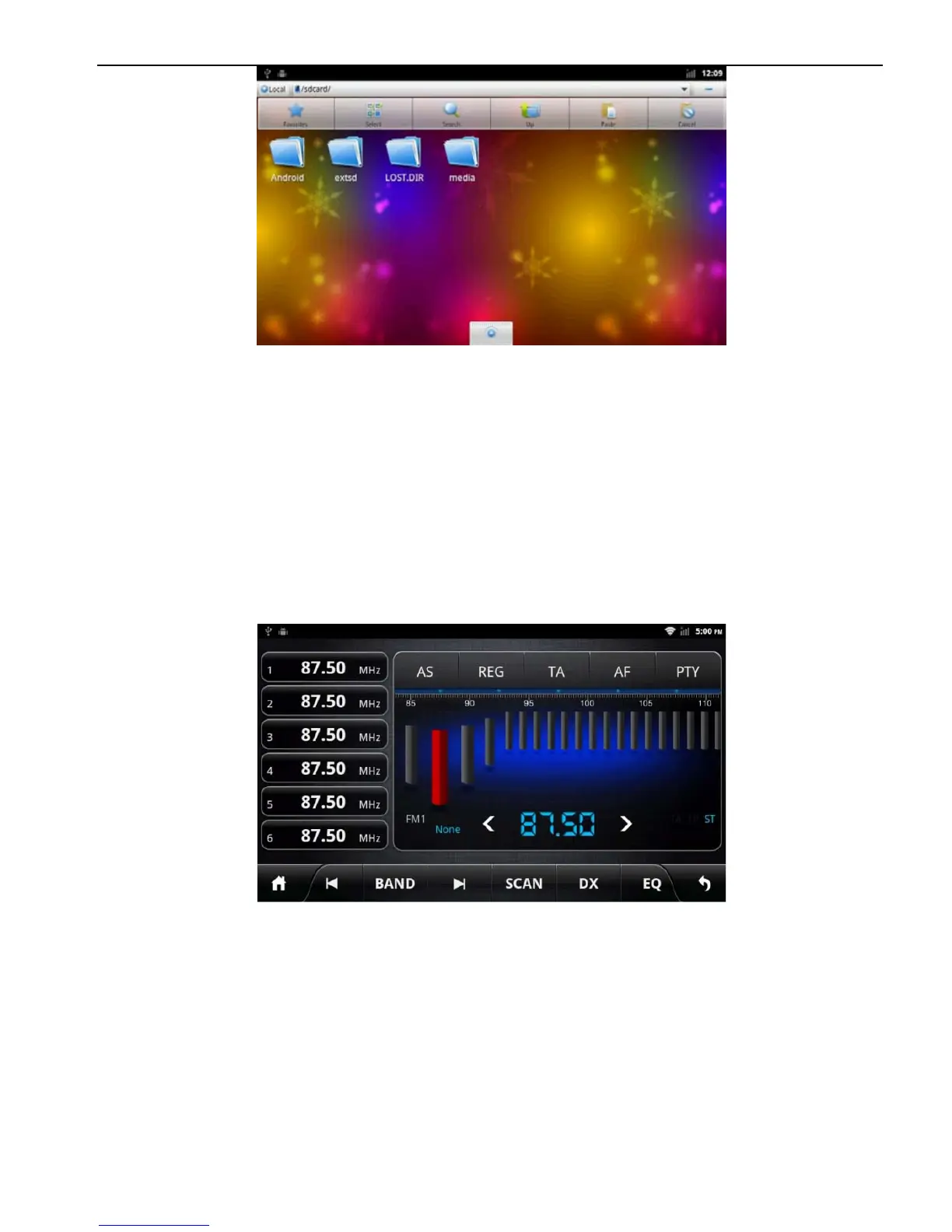
Press the RADIO button on panel or click the icon on the main
menu to enter the radio interface, the specific functions and
operations are as follows:
Radio Interface
The functions of Icons in the radio interface are described below:



 To Next Page