47
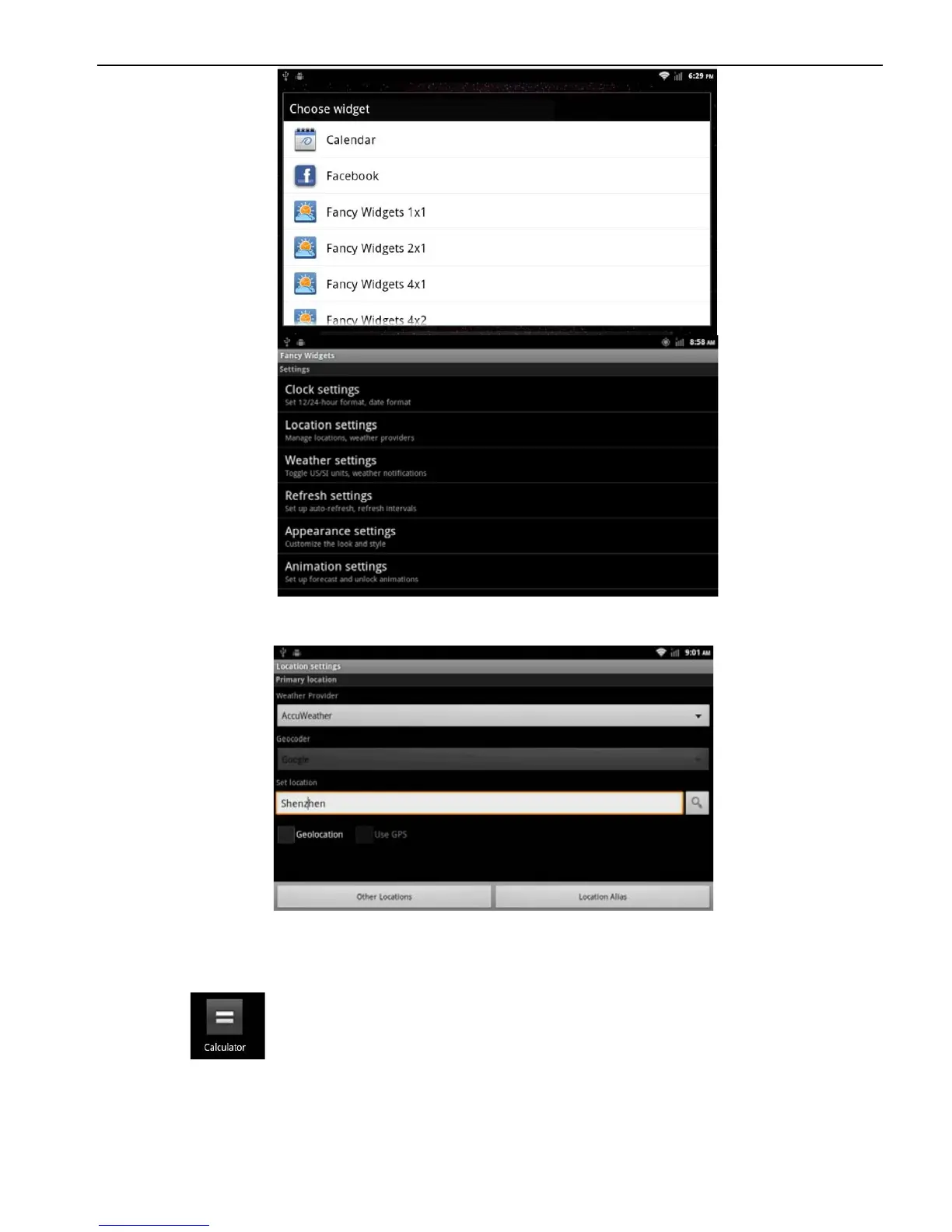
Enter the region selection, in the input box, enter the query you want to
determine the area, click the icon to search as shown in the figure:
Search interface
2.13.2 Calculator
Application> Calculator
There are two display panels, basic and senior on the
calculator. Press MENU> senior or basic, or move from left to right,
to chance freely between the two panels.



 To Next Page