32
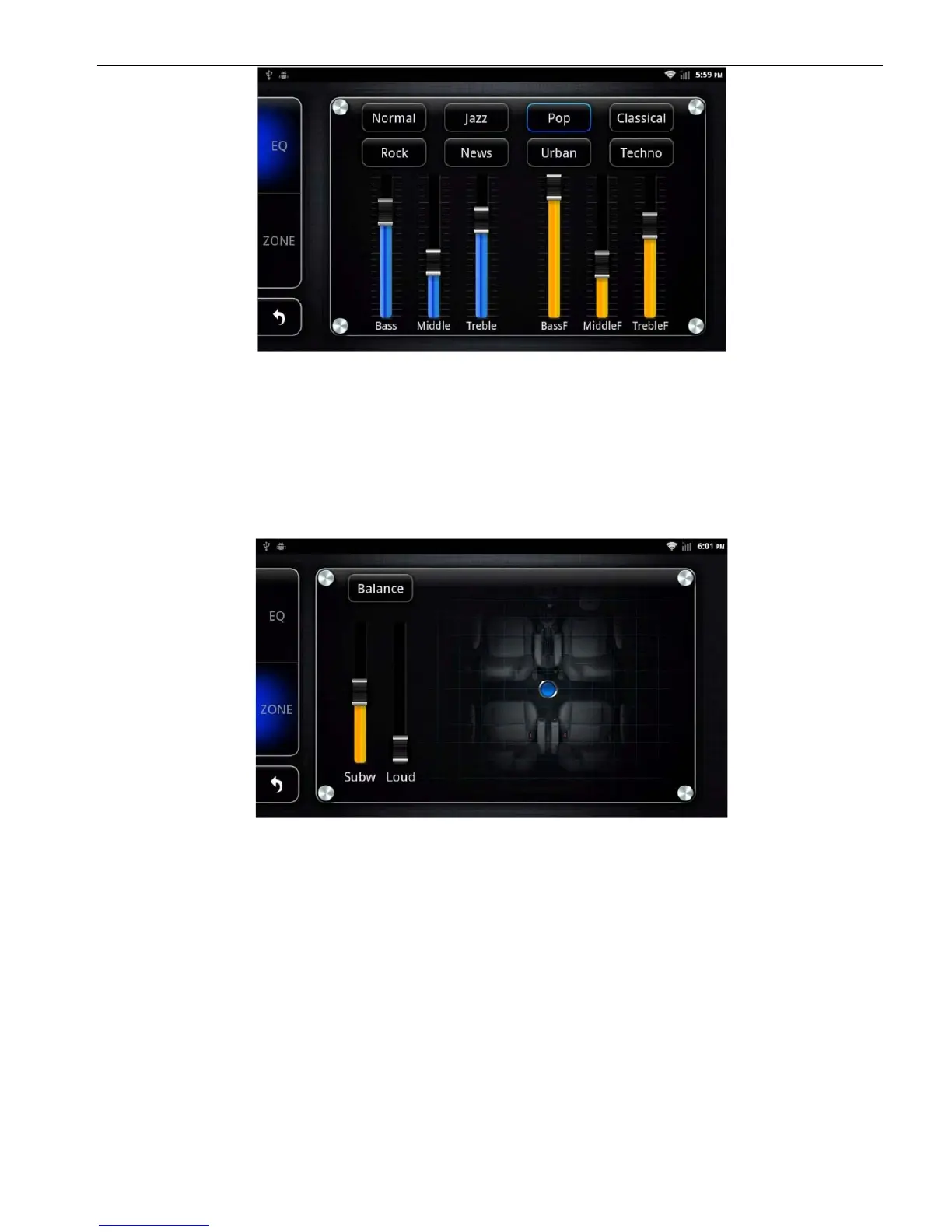
Equalizer settings interface
Note: In the Normal mode, users can customize effects model through
the effect adjuster.
②
In a field setting interface, the user can freely adjust the bass
and loudness of the contrast, to the front left, front right, rear left,
and rear right after the four angularly audio settings, as shown
below:
Balance Setup Interface
Note: the subwoofer adjustment is only effective when it is
linked to external 5.1 amp.
2.8.2 DVD Play
Insert the DVD disk the system will automatically enter the DVD
interface and read the disk information automatically when a
disk is detected and then start to play normally.



 To Next Page