38
2.8.7Picture Browse
Applications > photo Album.
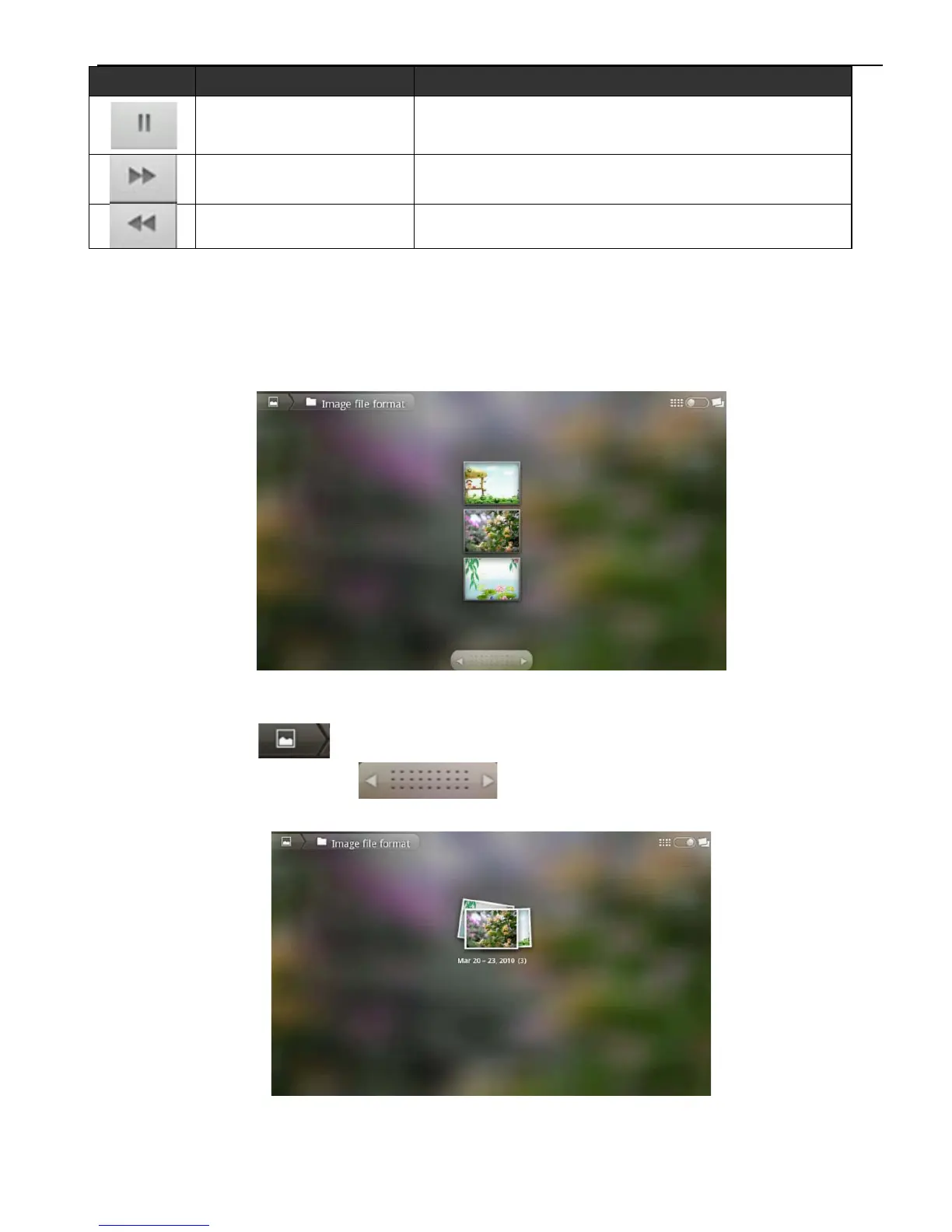
Click the symbol under the application menu to enter into picture
browse interface, the detail as below.
Picture Browse Interface
Click to get back and you can move the picture at
random or click to move pictures right and left.
Click symbol shown as below.
Picture Browsing Interface (Customized display)
Click any picture enter into single picture display mode, shown as
below.
Icon Button Name Function Explanation
Play/Pause
Press Pause when play
Press Play when pause
Forwards Fast Click to forwards fast
Backwards Fast Click to backwards fast



 To Next Page