39
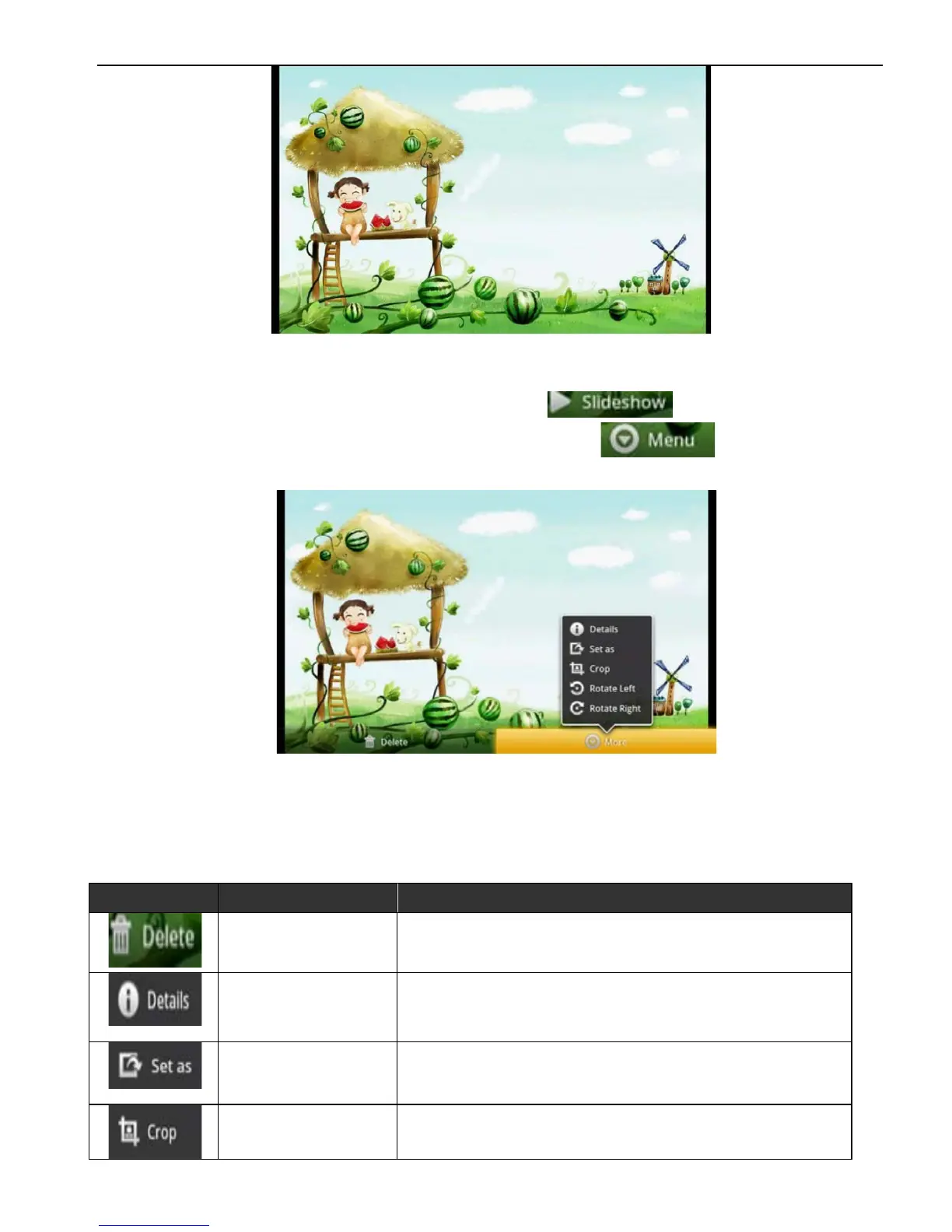
To move the picture left and right by one’s hand to view the
photo, under the normal states to double-click the photo to
change the photo’s size. Click to enter into the
browsing mode for all photos. Click , it will change
for other function operation.
Single Picture Display Interface (Other Function Operation)
Function Explanation,
Icon
Bottom Name
Function Instruction
Delete To delete the selected picture.
Detail
Setting
Click to show title, type, shooting time,
photo album and place on the picture.
Setting
According to your choice to setup
image screen
Trim According to your choice to trim it.



 To Next Page