41
switches to the rear-view mirror screen output automatically, and
keeps audio output sound; if not equipped with rear-view mirror, the
system remains the same video playback.
2.11 E-mail
Users could use “Email” to send or receive email message.
Note: Email messages could be sent and received based on the connection
of Internet. Please contact your network service provider for the detailed
setting parameters.
2.11.1 Email Setting
Application > E-mail
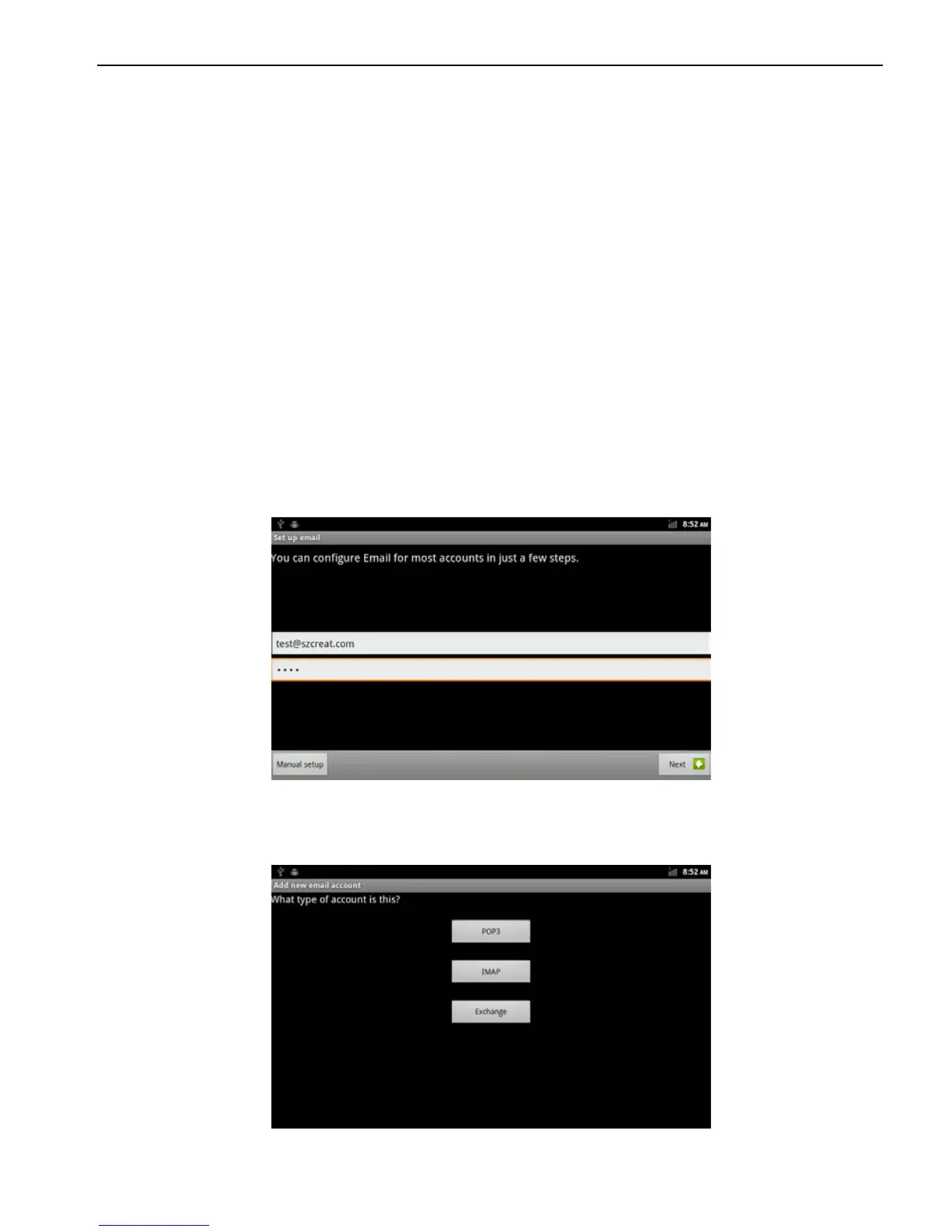
Enter a email address and password, then click next step to set
account name, your name and signature, then click finish.
Users could also manually set the email account:
1. Enter email address and password;
2. Click to manual set, andselect the type of E-mail account. (For
example: POP3、IMAP、Exchange)



 To Next Page