49
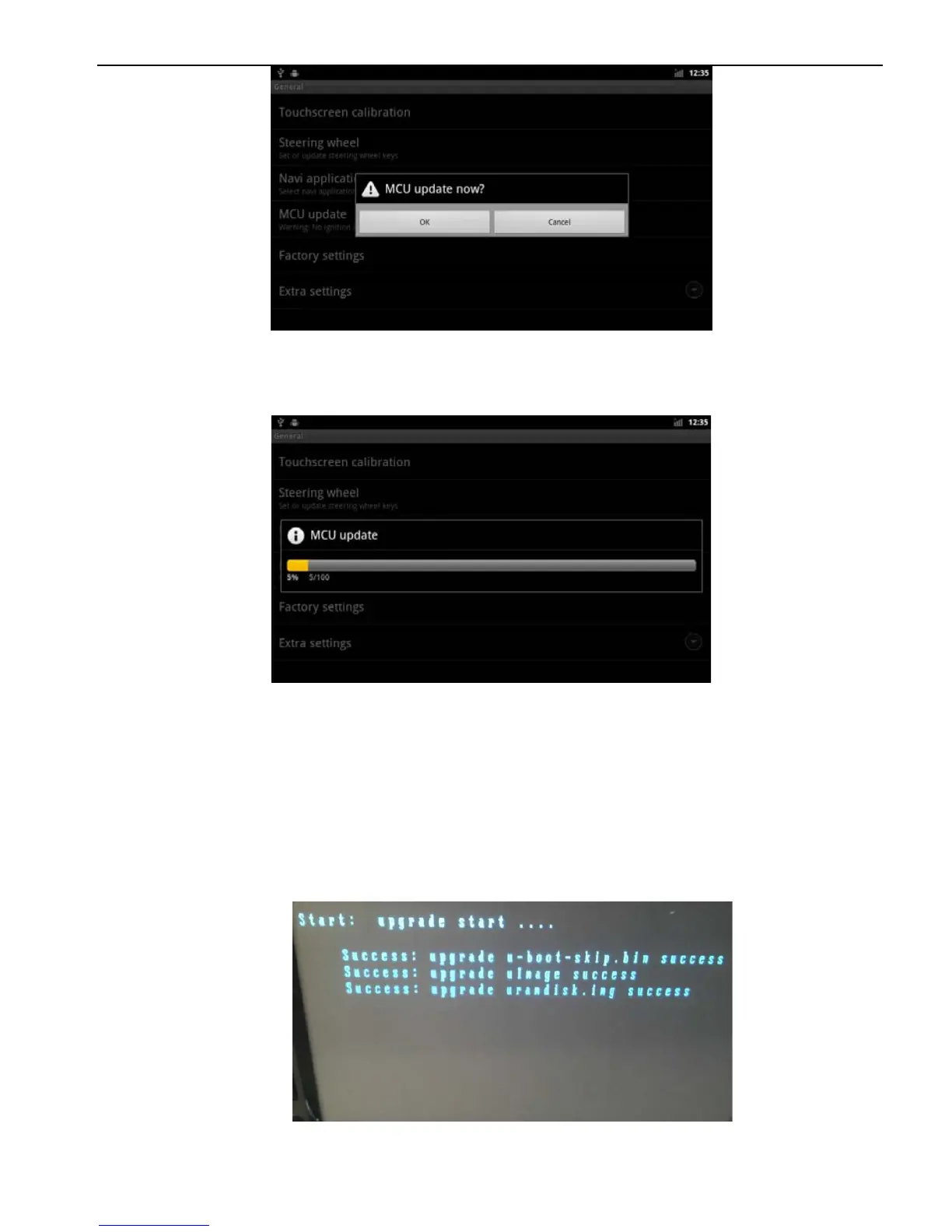
3.2.3Wait for the upgrade is completed. The system will
automatically restart after the upgrade is completed, please don’t
Ignition or shut down during the upgrade process.
3.3 Update system
3.3.1. copy "u-boot-skip.bin、uImage、uramdisk.img、system.img"
to the root directory of SD card,and Inserted into the machine SD
card slot.
3.3.2、Shutdown
3.3.3. Press and hold any panel buttons,and boot,the system will
enter the upgrade interface automatically.
3.3.4 The system will automatically restart after update. (The
system will enter the touch screen calibration interface after the



 To Next Page