9
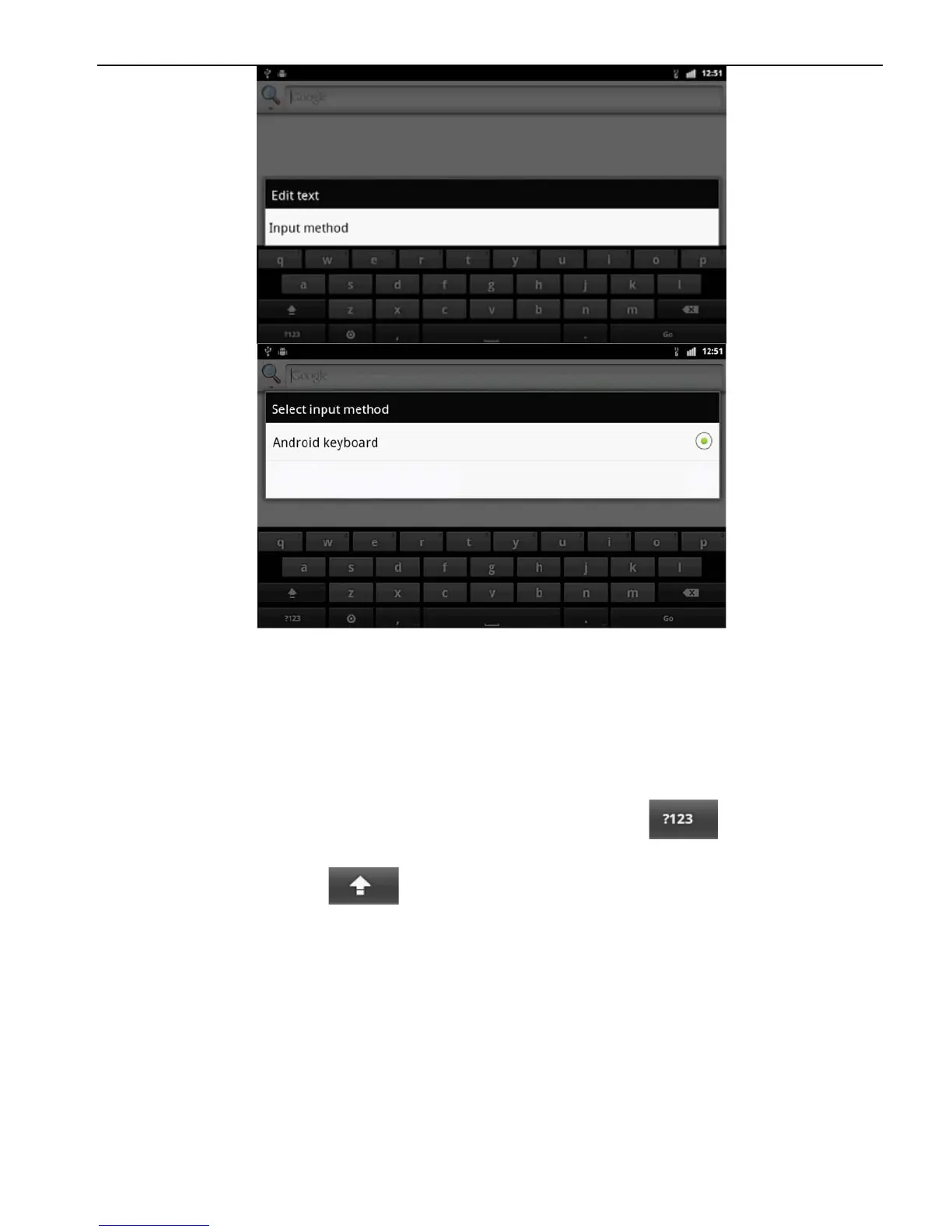
1.7.2 Android Keyboard Input
Switch the input method into Android keyboard (see switch
input method)
Remark:
You can click the number sign key to switch to
numbers and symbols input mode.
Click to switch letter case.
2. Function Operations
2.1 Basic Settings
2.1.1 User Defined Home Screen
There are 5 main screens of this device, sliding left or right to
switch. In any interface, you just need to click the HOME to get
back to main screen.
Note: You could add shortcut, widget and file in the blank area



 To Next Page