5
1. Quick Review
Warning: Before using this device, please read the manual safety and
law information.
1.1 Turning On and Turning Off
Turning On
When you plug in the car keys, open the car's ACC
power, the device will be automatically turned on,
displaying the boot animation LOGO.
Turning Off
When you take off the key, turn off the car's ACC
power, the device will automatically be shut down.
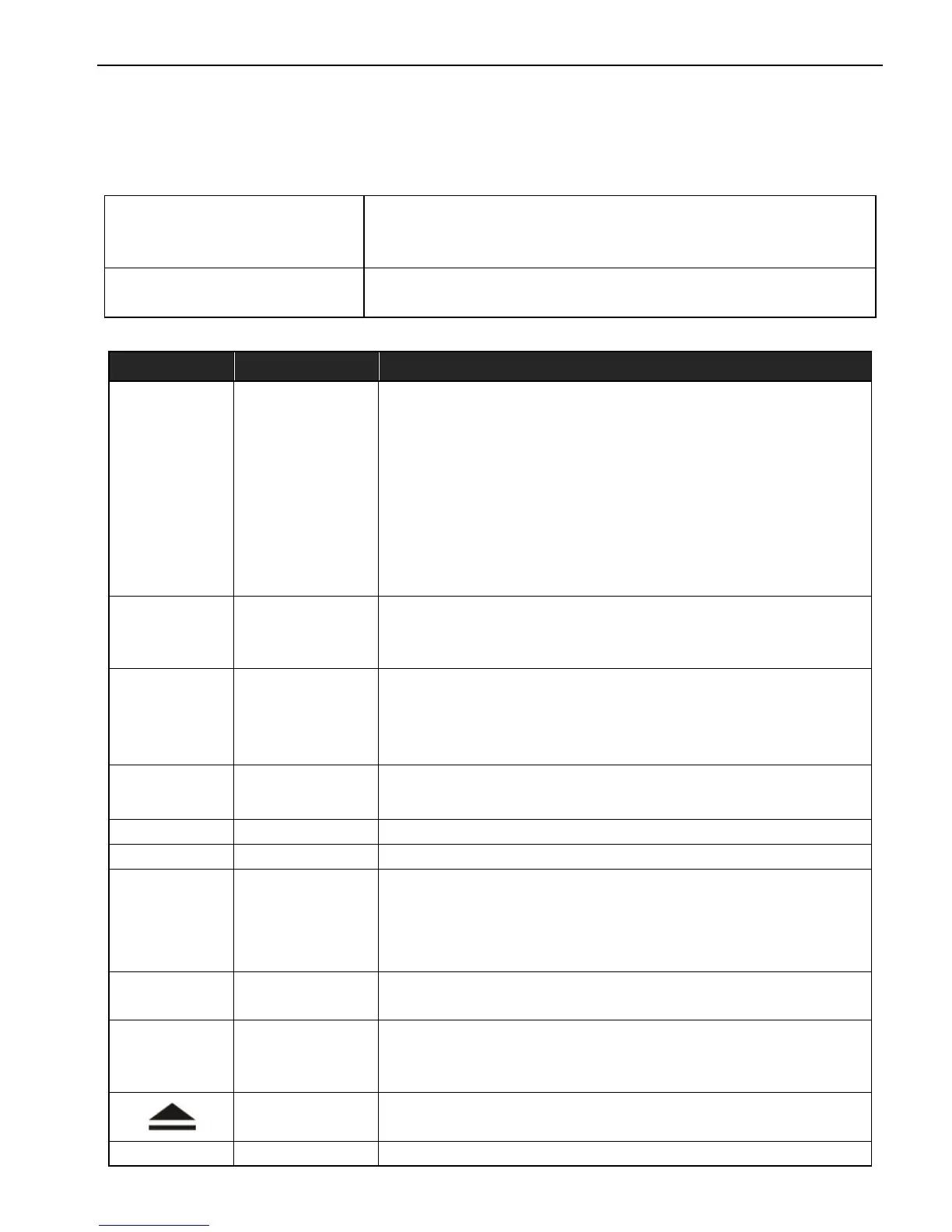
1.2 Panel Function Button
Icon Button Function
PWR/VOL
Power/
Volume
① When power off, short press this button, the
system is switched on
② In the boot state, press this button short, the
system becomes mute; long press this button, the
system is shutdown
③
Turn this button clockwise, the volume is
increased
④ Turn this button counterclockwise, the volume is
decreased
HOME
Main
Interface
① Click to enter into main interface
②Long press for 3secs to show the running
function
MENU Main Menu
① In each function, for extended manipulation of
information, press the MENU key to pop up
② In main interface, press the MENU key for the
system to quickly set functions
BACK Back
①Click to get back to the last interface
②Long press for 3secs to quit the running function
NAVI Navigation
Click to enter into GPS navigation interface
DVD DVD Play
Click to enter into disk play interface
PHONE PHONE
①Click to enter into Bluetooth telephone interface
②Bluetooth dailing keyboard will pop up by long
pressing this button in other function interfaces.
Phone will be hung up by short press
RADIO RADIO
Click to enter into radio interface for receiving
FM1/FM2/ AM radio
TUNE Compound
① In the audio and video playback interface, up /
down one player
②
In the radio interface up / move down frequency
In/Out
Disc Button
Disk in and out
SD SD Media
Insert the appropriate memory card, multimedia file



 To Next Page