46
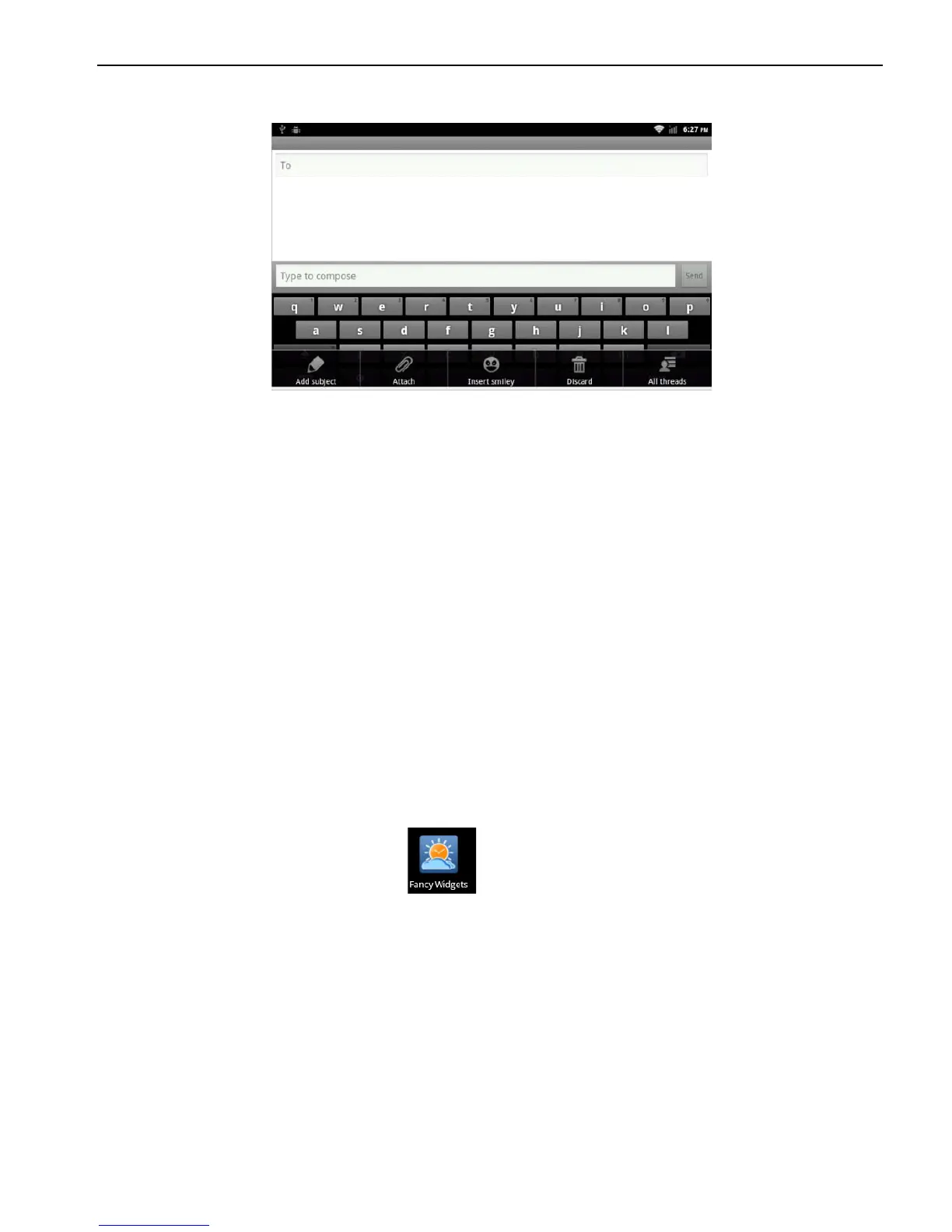
2. Input the words information you want to send.
3. Click “send” and send the E-mails
2.12.2 E-mails reply
When you receive new inbox, instructions column will display at the
top of the computer and issue the prompts.
Application> information
After click “Corresponding information”
1. Click the “version input area”
2. Edit your replied information in the version input area and click
“Reply-and-send” E-mail.
2.13 Applications
2.13.1 Weather
Application> Weather
Interface> long press interface
>Widgets
>Fancy widgets 4*2



 To Next Page