14
> Factory settings
2.3 Navigation
2.3.1 Navigation Software Installation
1. Copy the application program with suffix name “APK” to SD
card or U disk. There are two installation methods:
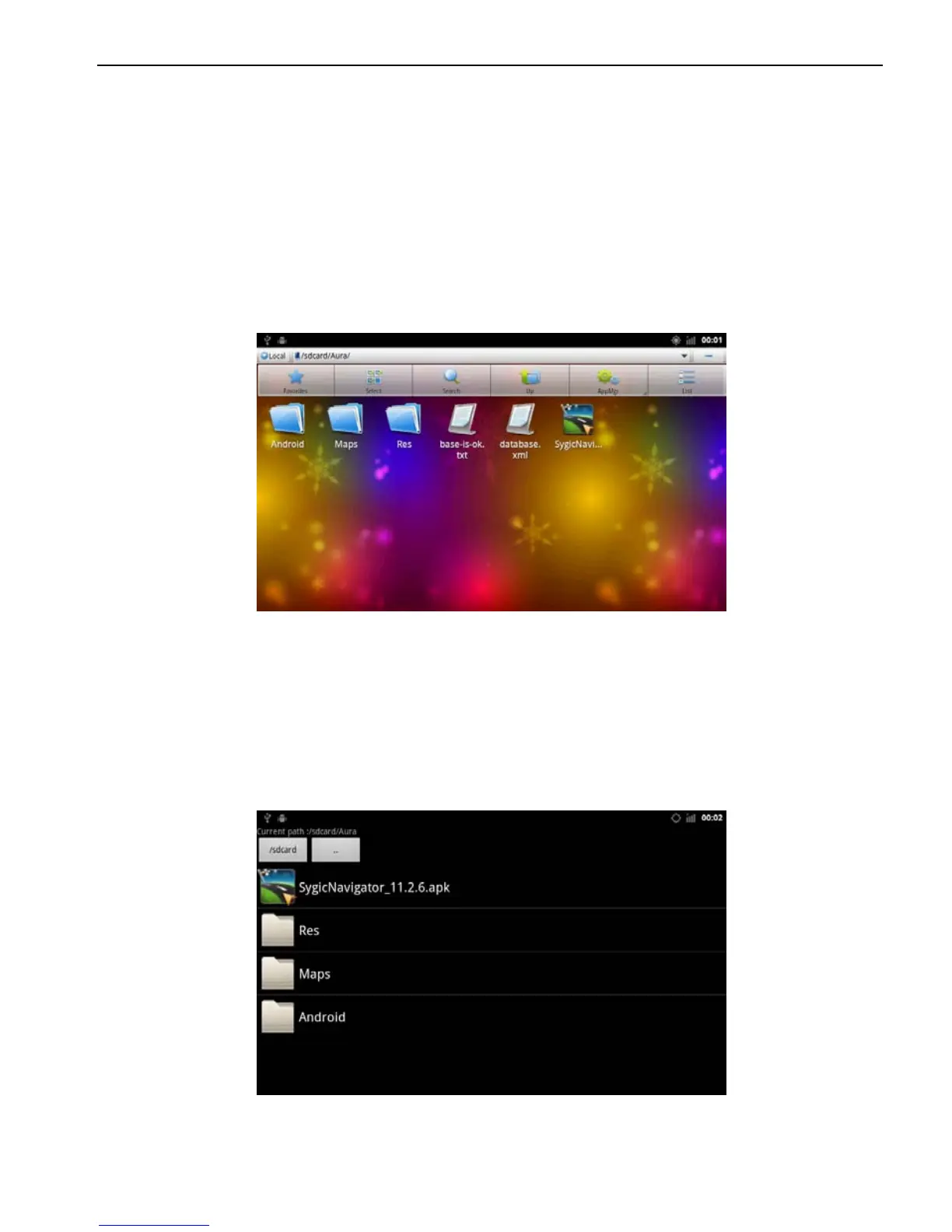
Click into the document management interface to find SD card
or U disk directory and select “APK” application, and click install
directly.
File Management Interface
Applications> File Management Interface
> Expansion card or U disk
Extra Interface->Application Program->Install Application
Program
Select the application program with suffix named “APK” and
install.
Application Program Interface
Application > Settings
> Applications



 To Next Page