15
> Application Program Installation
Note: Please copy the navigation map software to the system storage
memory first, and then install the navigation APK. Steps are as
follows:
1) Insert navigation data packets to SD card or U disc
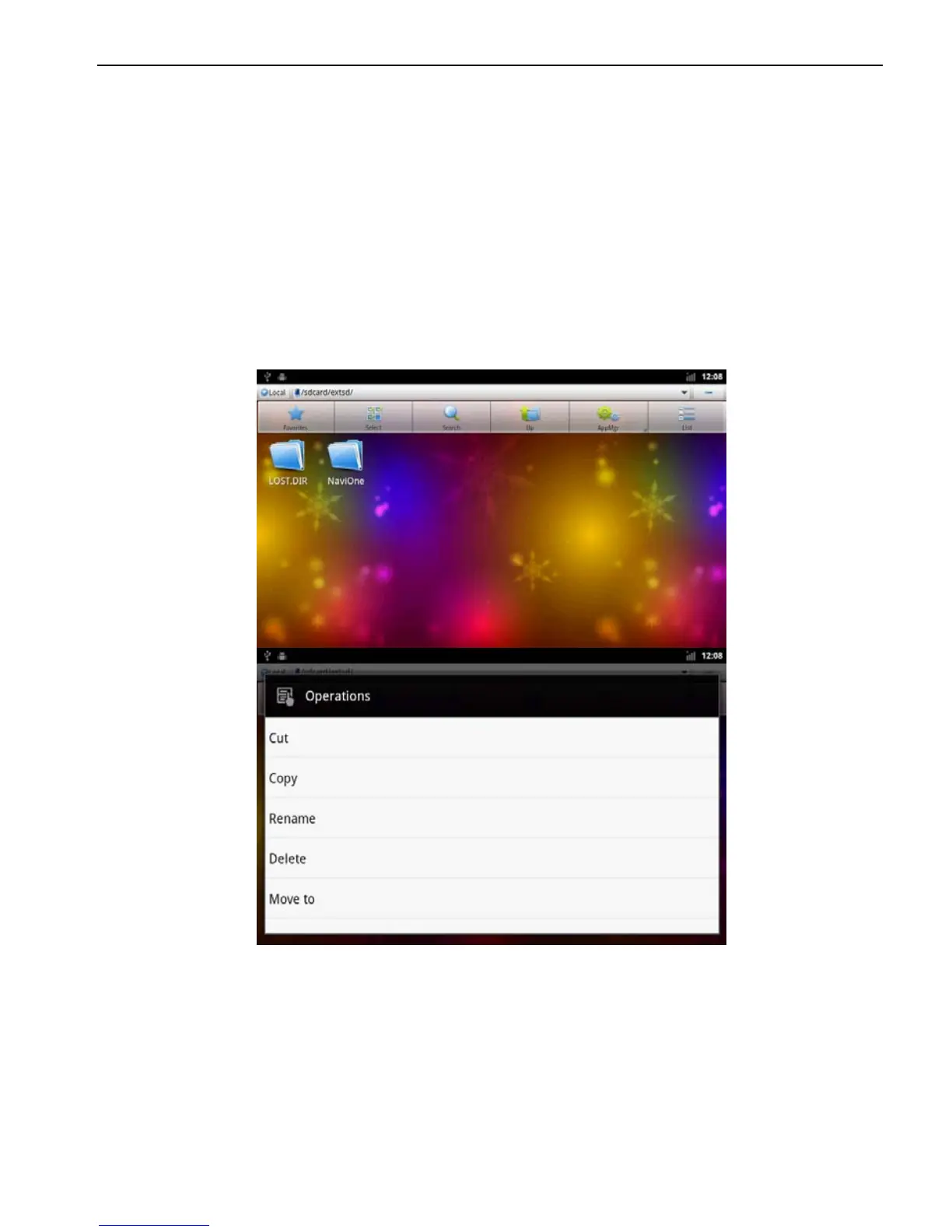
2) Start the ES file browser (or other document management
software )
3) Enter the" /sdcard/extsd" ( SD) or" /sdcard/udisk" ( U )
directory, find the navigation packet directory ( for example:
NaviOne (Kelid navigation ) ), and select Copy command
according to the catalog in the pop-up menu.
4) Go back to the "/sdcard/" directory, choose the paste
command



 To Next Page