48
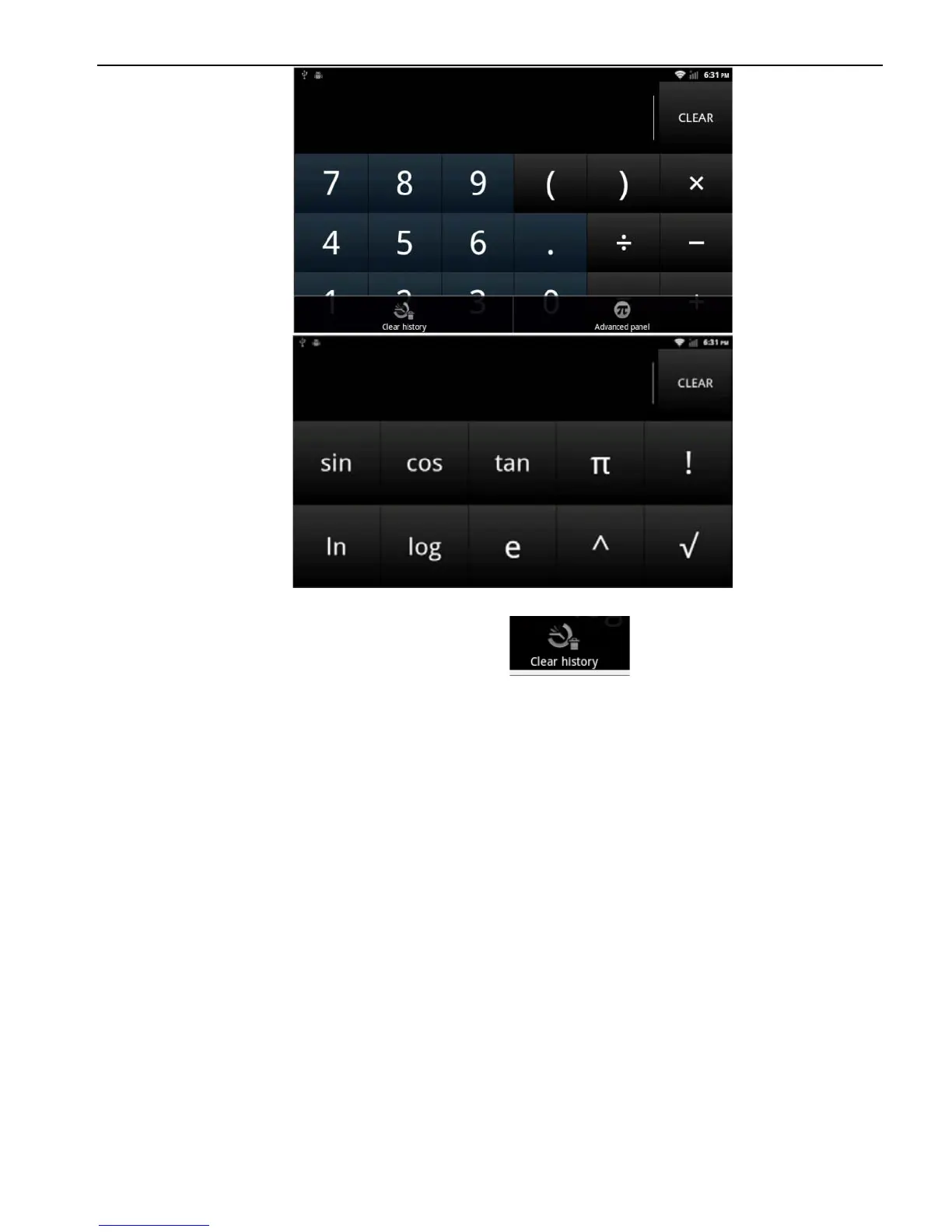
Note: press MENU> delete the record
2.13.3 Electronic reader
According to the user’s requirement to install the electronic reader,
users can also install the third party reader software.
Note: The system's user manual is placed in the electronic reader.
3. Firmware Upgrading
3.1 Preparing for upgrade
1. First, format your SD card for what you use to firmware upgrade.
3.2. Update MCU
3.2.1 copy "318a2e70-44bf-11e1-b1cf-000c29ba27c0" to the root
directory of SD card,and Inserted into the machine SD card slot.
3.2.2 Start to update MCU(Settings->General->MCU update),click
OK



 To Next Page