13
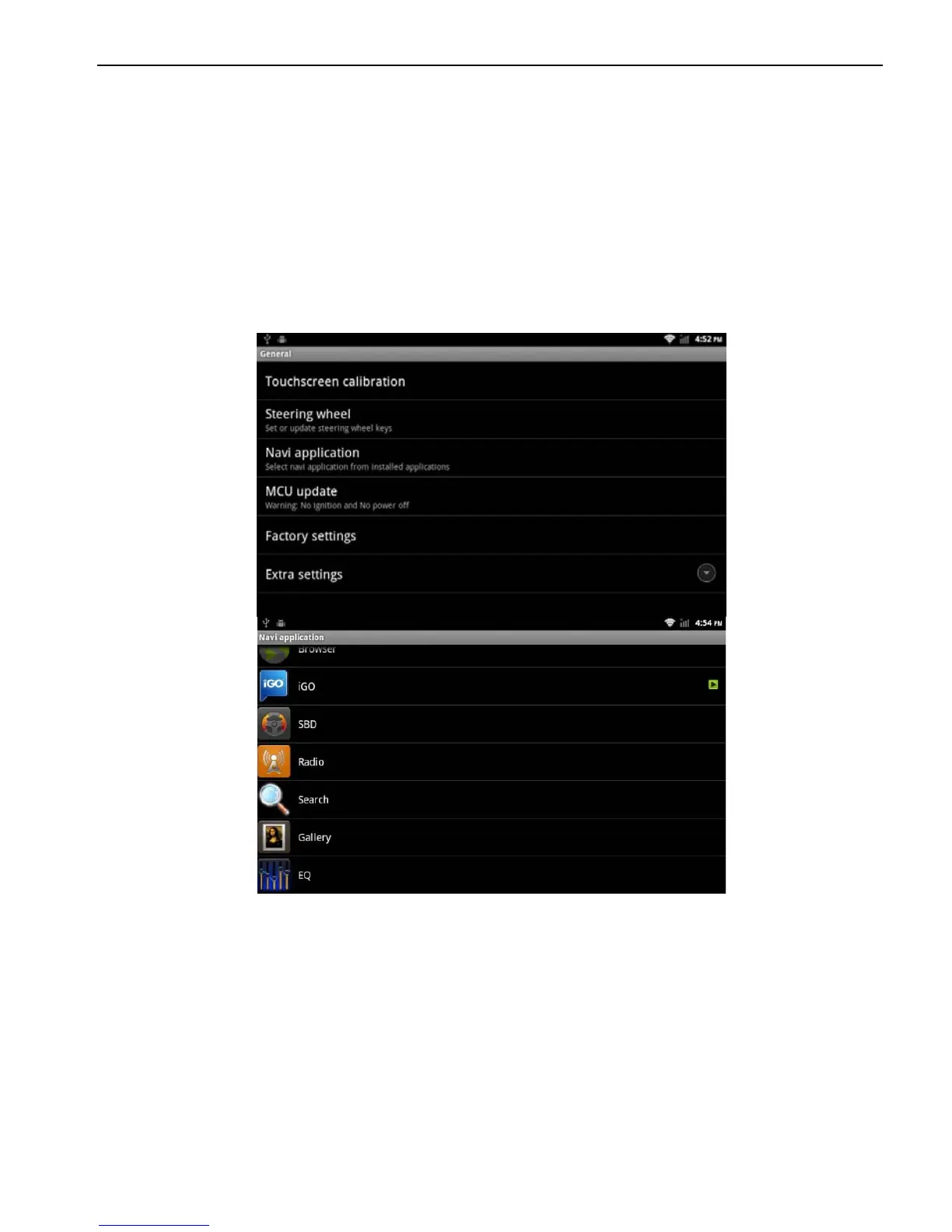
2.2.3 Navigation application
Select appropriate map application, then it can be associated with
the navigation button on the physical and navigation icon on the
main screen.
Applications> Settings
> General Settings
> Navigation options
> For example: IGO
2.2.4 Factory settings
When the system is unable to work or problems occur after user
used the system, it can be restored to the factory settings. Once it’s
restored to factory settings, all the third-party software would be
deleted, and the current system settings would be lost. For
navigation software, just need to install corresponding APK. Please
operate carefully.
Applications> Settings
> General Settings



 To Next Page