44
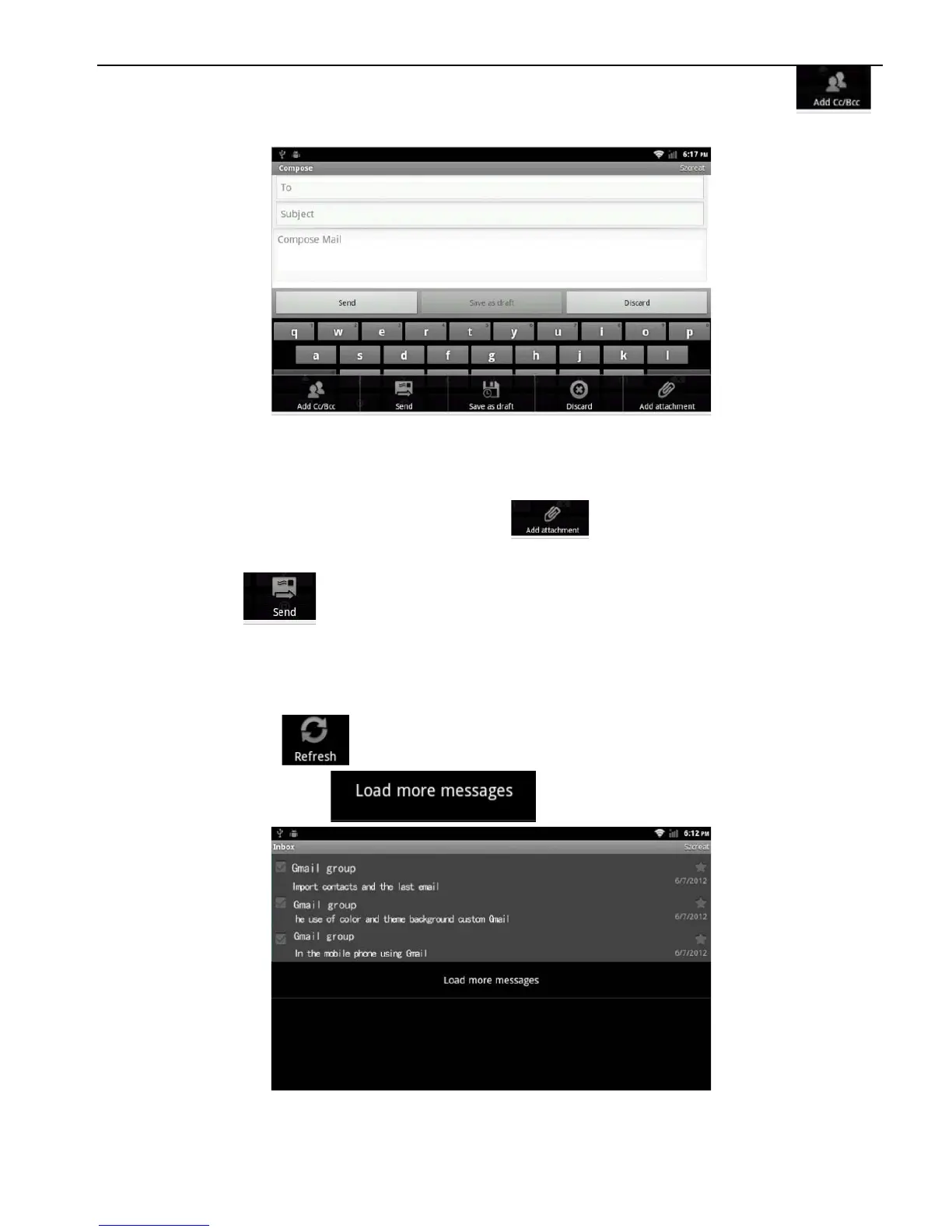
If necessary, press the panel "MENU" and select menu " "
function keys> Add Cc / Bcc, enter the Cc or Bcc recipient address.
2. Click the topic, enter a subject, click the letter input area, enter
the desired content.
According to the panel "MENU", the pop-up
function keys, add an attachment , select the desired option,
and insert the required documents
3. Click “ ” to send E-mail
2.11.3 E-mail input
Application > E-mail
Press the “ ” in “MENU” or use the mouse to slide to the end
of inbox and click “ ”.
1. Instruments link the server and download the E-mails, and then
save the received E-mails information in the inbox.



 To Next Page