24
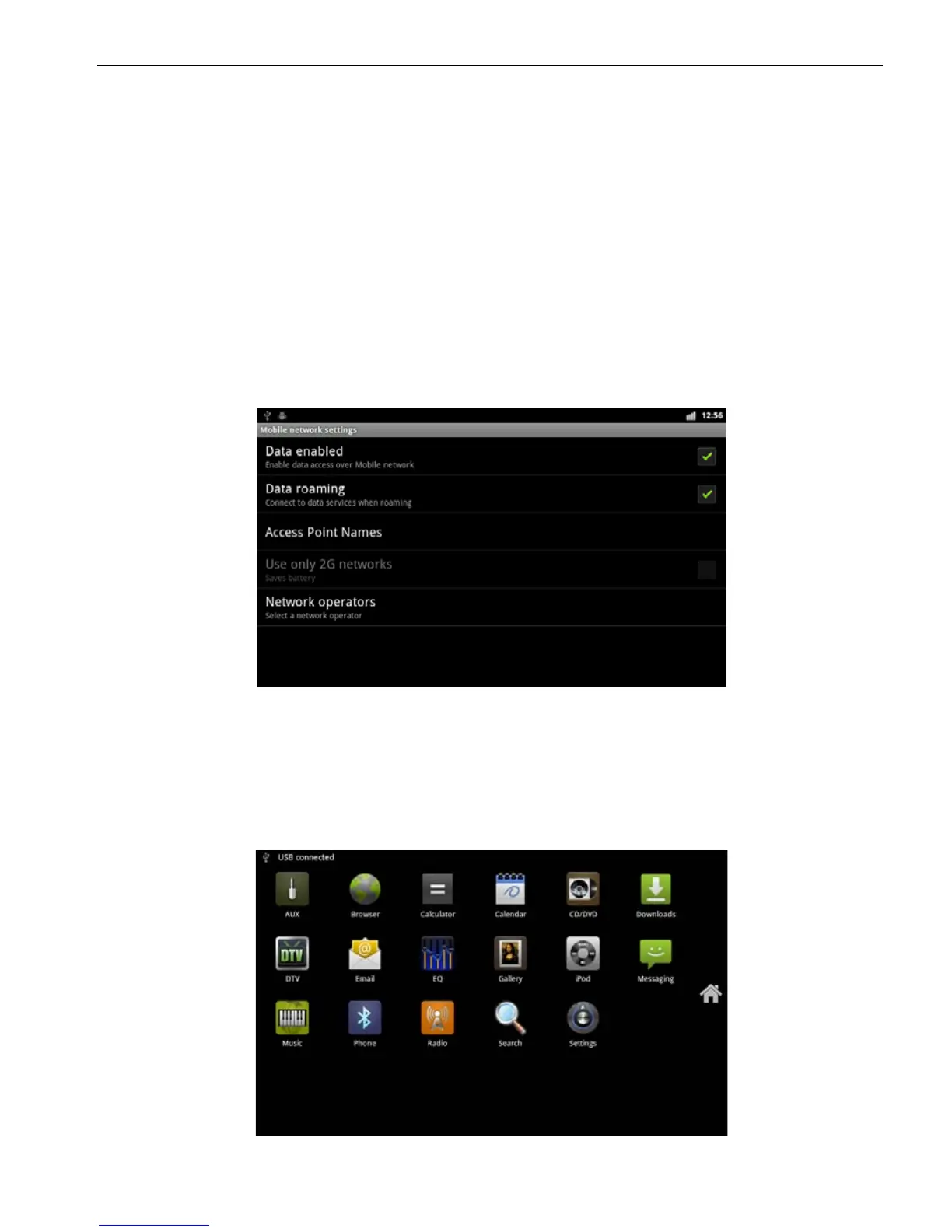
Applications> Settings
> Wireless and Network
> Mobile network
> Access Points
2.6.1 Allow data roaming
Applications> Settings
> Wireless and Network
> Mobile network
①
Click data roaming, select OK.
② If the recognition is successful, the access would
automatically identify the type of 3G device to populate the
appropriate access, as shown below:
Note: please confirm data roaming open; otherwise you cannot use the 3G
function
2.6.2 Set the access point information
Before using 3G function, make sure 3G dongle connected to
the USB port with a 3G card inserted in.
a. Enter the system main interface,
b. Select the "Settings" to enter the main interface.



 To Next Page