30
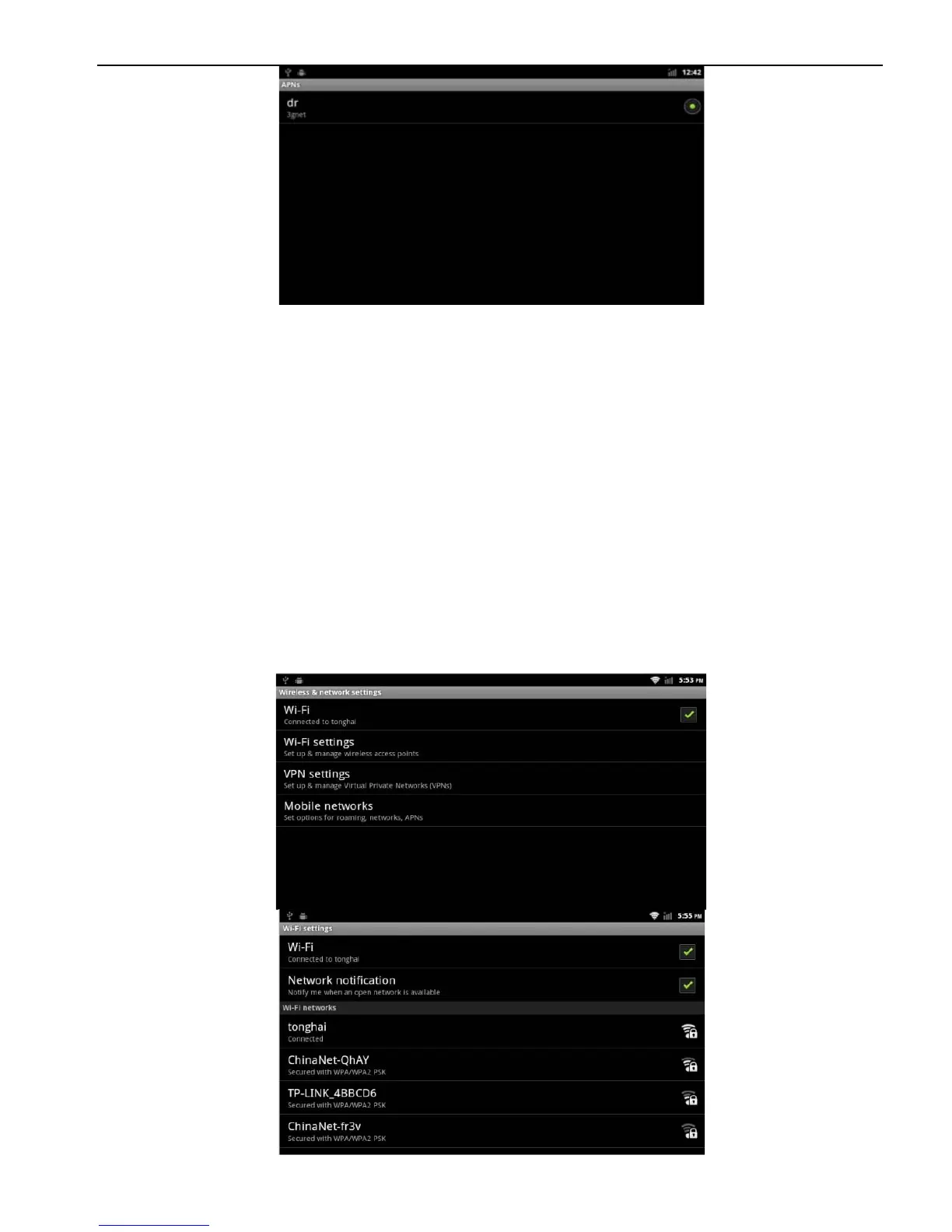
p. Back to the main interface, the3G network has opened, the search to the
3G signal, can use3G network.
2.7 WLAN
You can use the WLAN high-speed Internet access and download.
Applications> Settings
> Wireless & networks setting
USB ports using guide:
1. The front USB and rear USB can not be plugged by U disk at the same time,
orelse the U-disk won't be read.
2. Normally the front USB port is defined to connect U disk while the rear USB
port to WLAN and 3G dongle
1.
Open
WI-FI
device
2.
WI-FI settings search, WI-FI is open, the device will automatically scan the
network, listing all of the network within the search range



 To Next Page