29
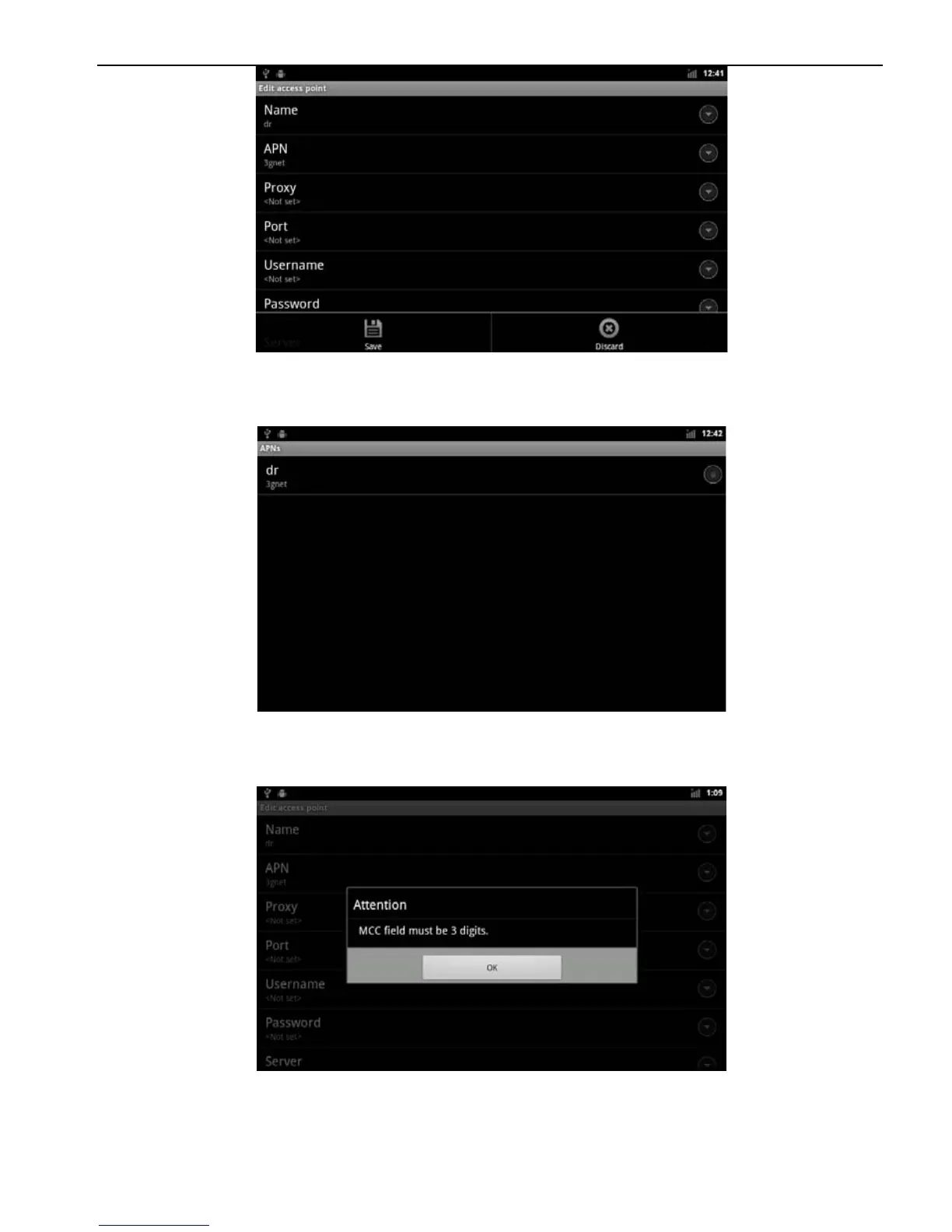
m. Select "Save" to save the settings content, and return to the main interface
of Apn settings
n. When the following interface pops up, make sure that Step 1 is complete,
press Home to return to the main interface, then repeat 1-15 steps:
o. In the Apn the main interface, select New APN network behind the circle,
so that it is selected can.



 To Next Page