36
Application>Music
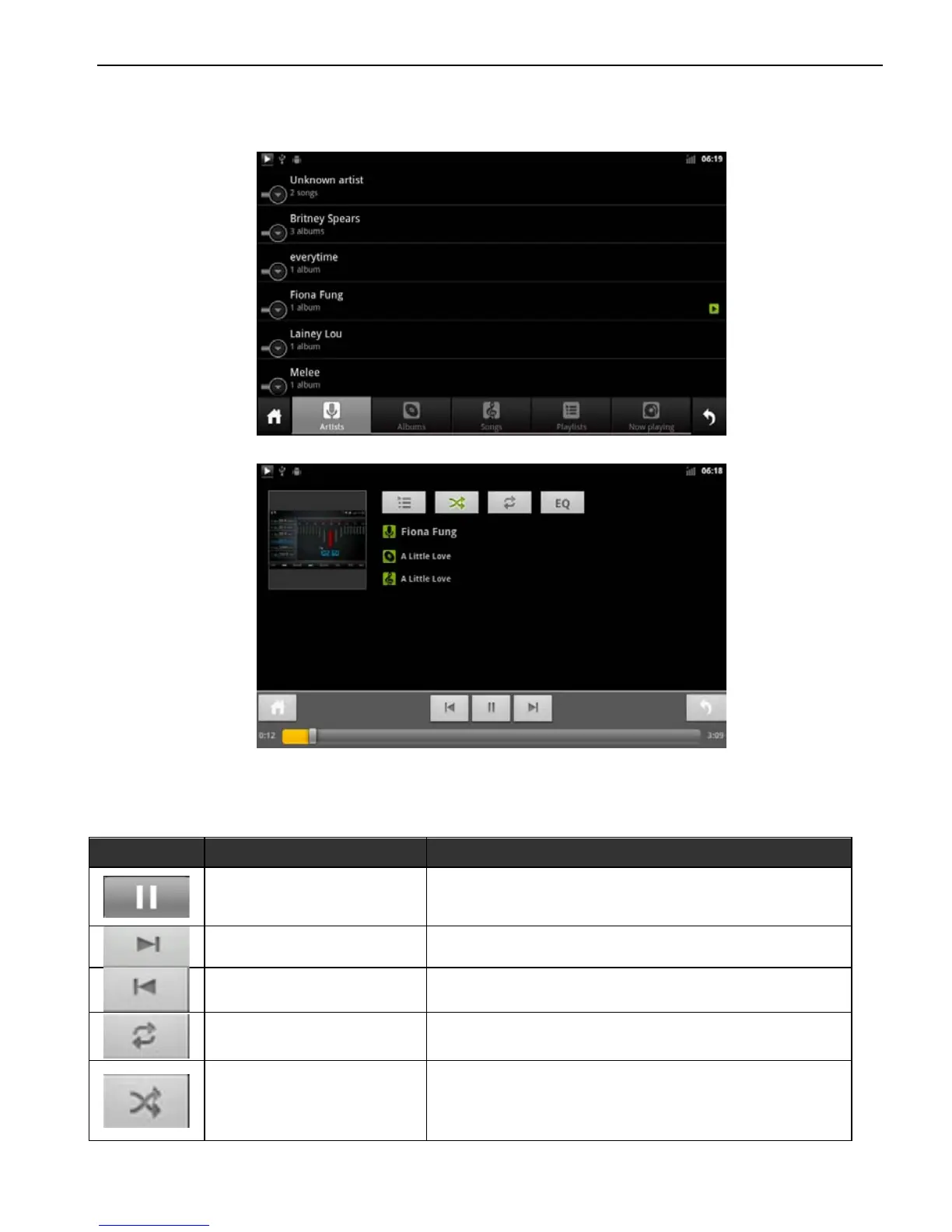
Click music application icon to enter into the music player interface,
as shown below:
Artist Interface
Music Play Interface
Function details as below:
Icon Button Name Function Description
Play / Pause
Click to play or pause
Next Track
Play the next track
Last Track
Play the last track
Cycle Play Mode
Click to set up play mode: sequential play,
single cycle, the whole catalog circulation
Random Play
Click to start or cancel random play.



 To Next Page