31
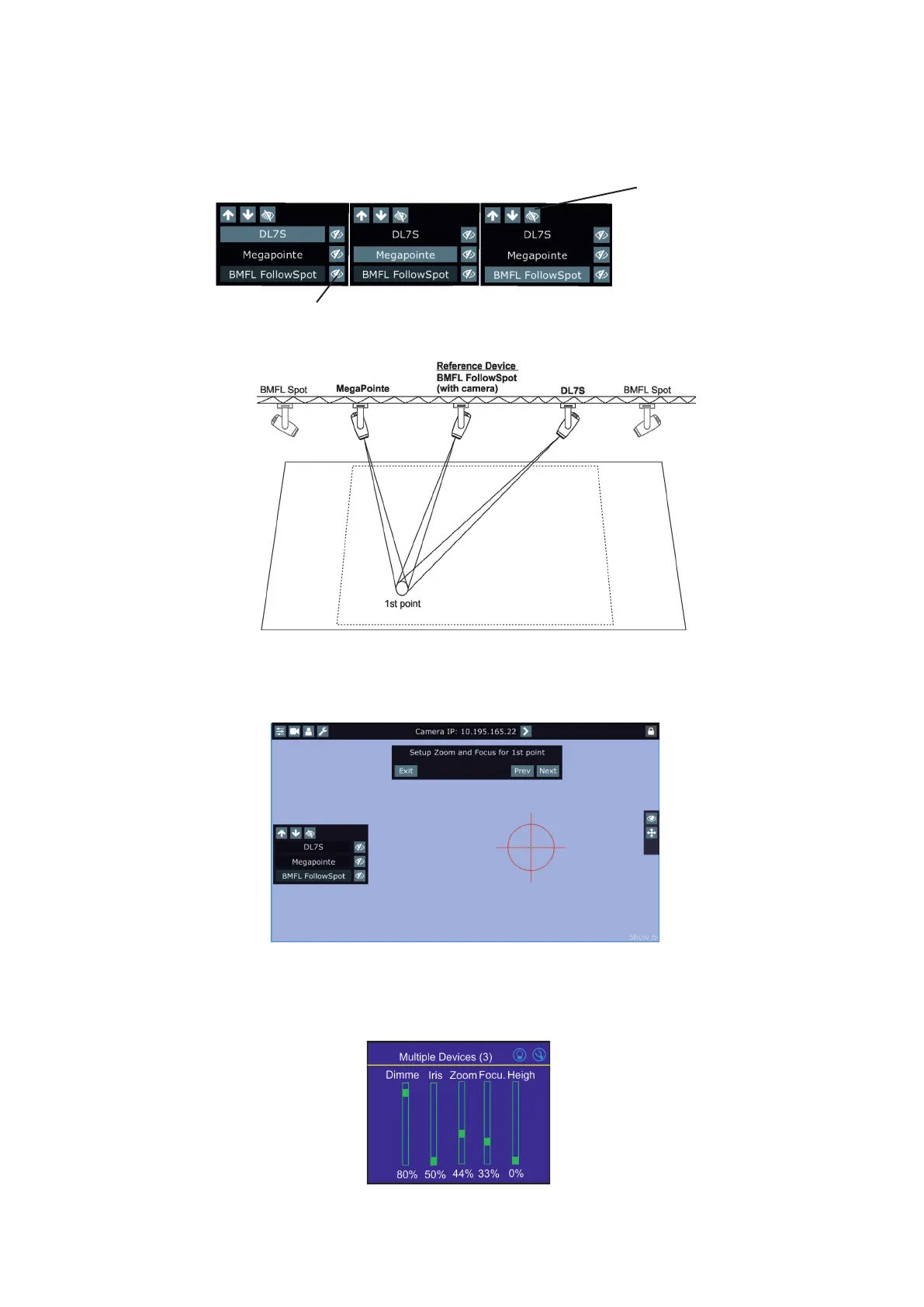
Zoom and iris are automatically set to the narrow beam at all devices used in the follow spot operation.
Activate one xture (by touching its button or using arrows), e.g. BMFL FollowSpot, focus it (by means of the
FollowSpot Controller) and aim it to the rst point on the oor (by means of the RoboSpot handles) as exactly
as possible.
Repeat this action for another two xtures.
Touch the "Next" button.
5. The following message will appear on the screen:
Use the jog-wheels on the FollowSpot Controller (or faders on the screen) to set desired zoom and focus in
the point 1 for each xture.
Touch the "Next" button.
Blackout buttons
if the buttons is active, only
selected xture and reference
device will light, rest of xtu-
res will be in a blackout.















 To Next Page