Robotiq Hand-E C10 Gripper Instruction Manual
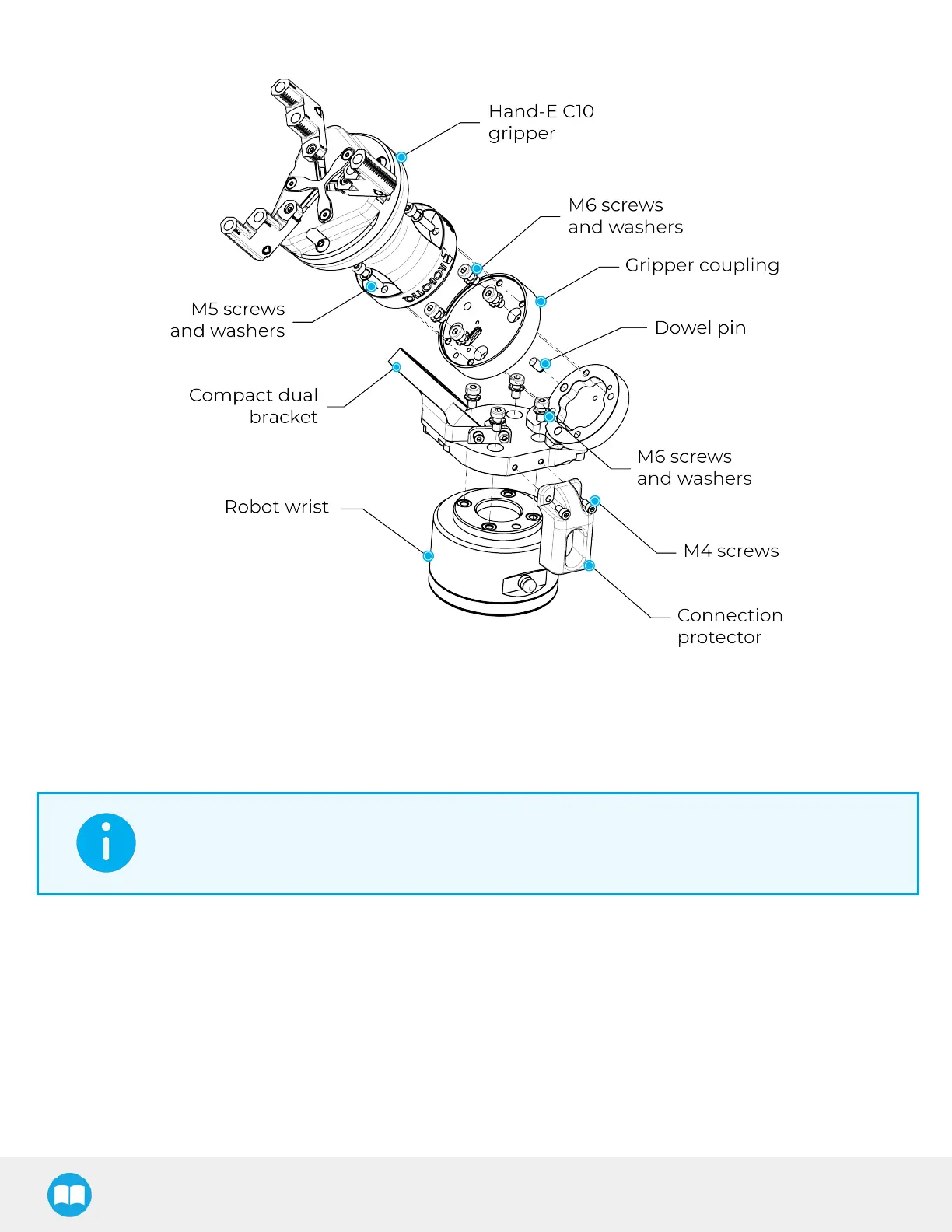
Fig. 3-9: Compact Dual Bracket with 90˚ Bracket
3.4.2. Installing Stepped Fingers on the Gripper
1. Insert the dowel pin into the gripper’s rack.
INFO
Stepped fingers can be installed in 2 different orientations: external grip orientation or internal grip
orientation.
2. Align the proper finger dowel pin hole with the dowel pin on the rack.
3. Apply low strength threadlocker on the provided M4 screws and secure the finger to the rack.
4. Tighten the two (2) screws to 3 Nm.
5. Repeat for the second and third fingers
24



 To Next Page