Robotiq Hand-E C10 Gripper Instruction Manual
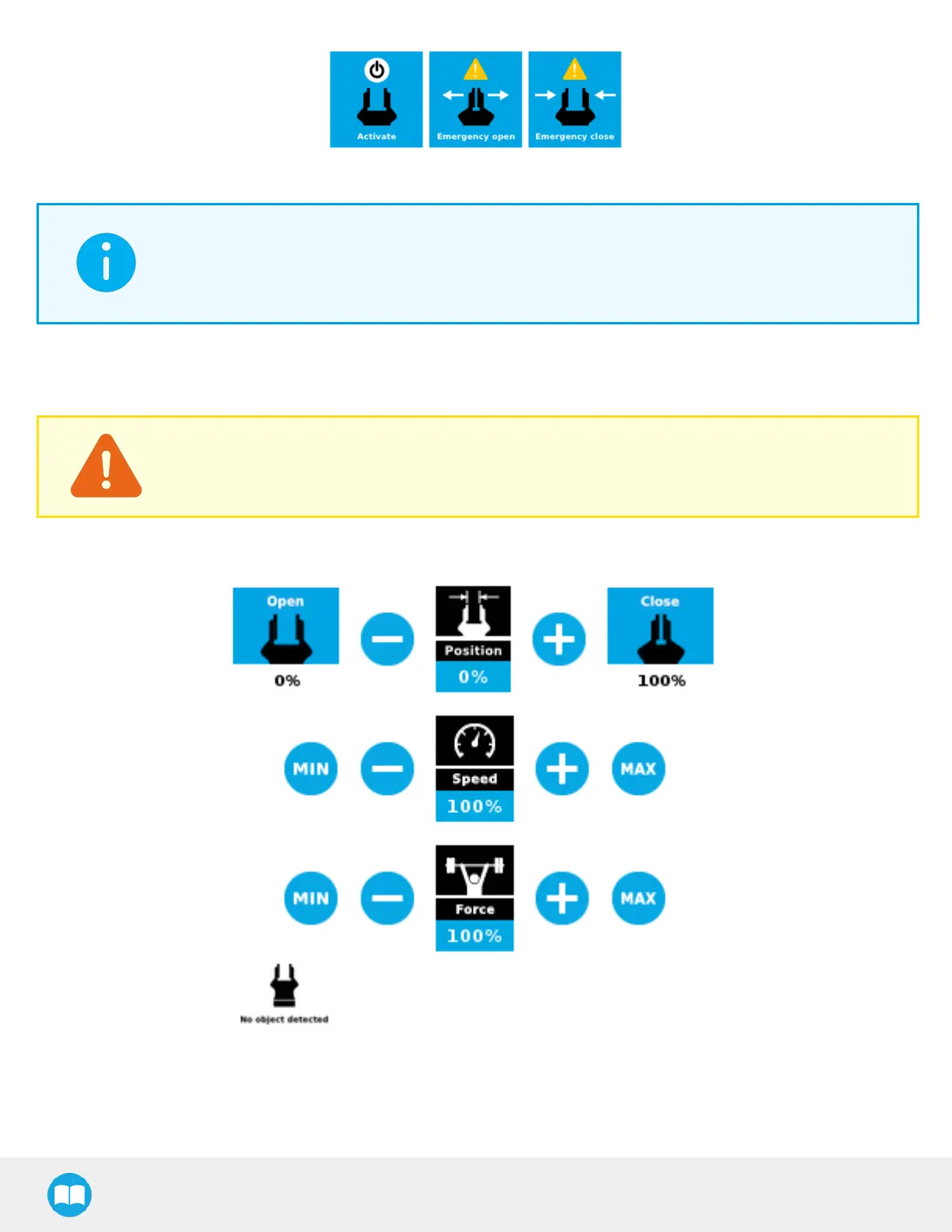
Fig. 4-25: Gripper Toolbar before activation
INFO
The Emergency open and Emergency close buttons allow the user to open and close the gripper even if it is
not activated.
The emergency commands use very low speed and force settings.
Tap the Activate button to enable the gripper.
Single Gripper
CAUTION
If the gripper has not been calibrated at this point, the Open and Close values will remain in percentage.
Please refer to the Gripper Calibration menu and wizard section for instructions.
Once the gripper is activated, the toolbar can be expanded and used to test and jog the gripper.
Fig. 4-26: Gripper Toolbar After Activation
81



 To Next Page