Robotiq Hand-E C10 Gripper Instruction Manual
Multiple Grippers
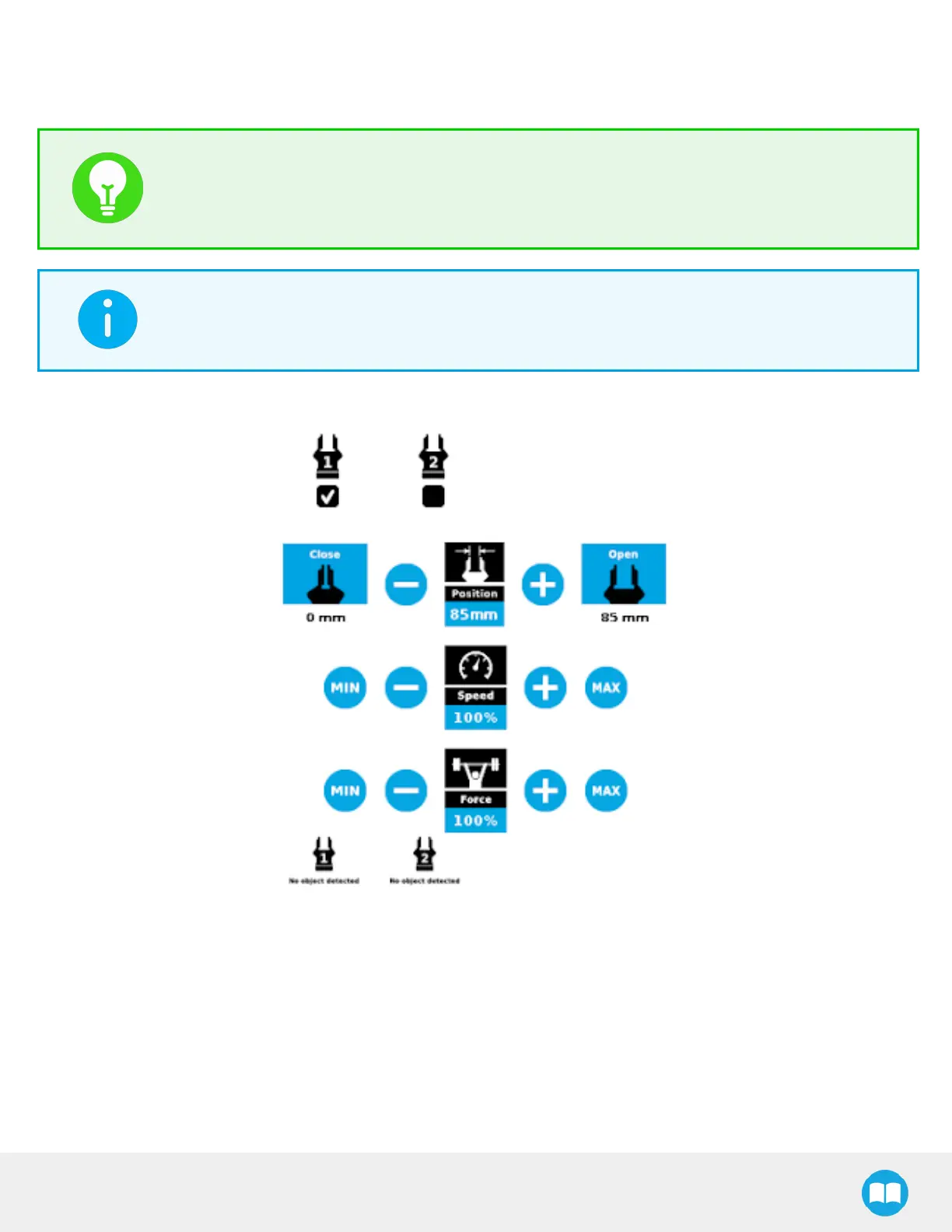
If multiple grippers are used, check one or several grippers and test their settings and features.
TIP
The first gripper selected is the "master", meaning that its settings will be copied over to the others when
they are selected. In order to modify each gripper's settings individually, select a gripper, edit it, uncheck its
box and carry on to the next gripper.
INFO
For consistency, selecting multiple grippers at the same time displays the open and close values in
percentage since their stroke might be different.
Fig. 4-27: Gripper Toolbar (Expanded, Multiple Grippers)
82



 To Next Page