Robotiq Hand-E C10 Gripper Instruction Manual
Gripper operation window
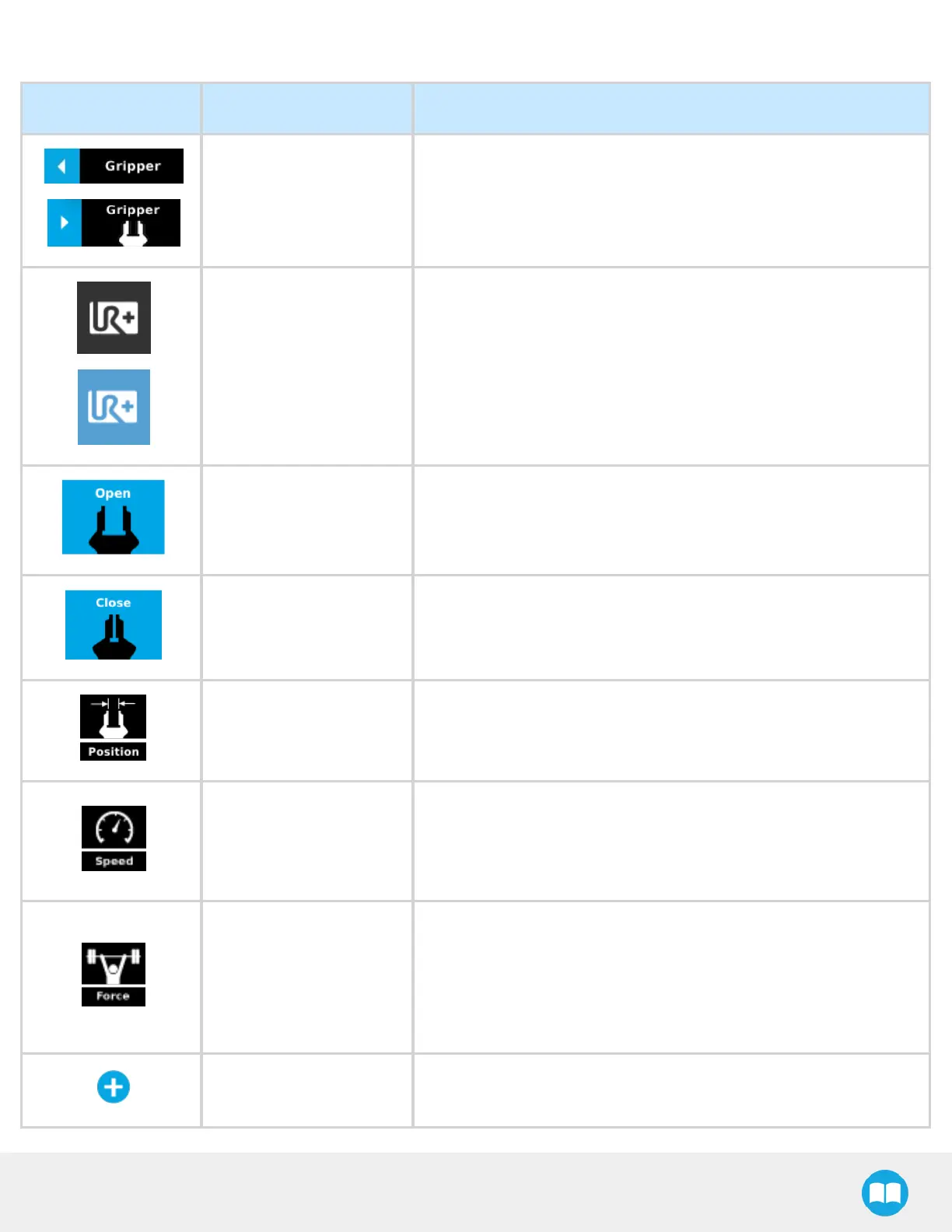
Primary Icon Functionality Name Description
CB-Series Gripper
Toolbar
Tap to toggle between expanded and collapsed Gripper Toolbar.
When greyed out, the functionality is not available.
e-Series UR+Menu
(Gripper Toolbar)
Tap to toggle between the expanded (blue) and collapsed (black)
Gripper Toolbar.
Open Tap to fully open the gripper.
Close Tap to fully close the gripper.
Requested position
Shows the actual position of the gripper according to the system of
units defined in PolyScope (imperial vs. metric).
If the gripper is not calibrated, the values will display in percentage.
Requested speed
Shows the actual speed set of the gripper.
l
0% = minimum speed
l
100%= maximum speed
Requested force
Shows the actual force set of the gripper:
l
0% : minimum force, regrasp feature disabled
l
1% : minimum force, with regrasp feature enabled
l
100% : maximum force, with regrasp feature enabled
Plus Tap to increase the corresponding parameter.
84



 To Next Page