Robotiq Hand-E C10 Gripper Instruction Manual
Features
Icon
Functionality
Name
Description
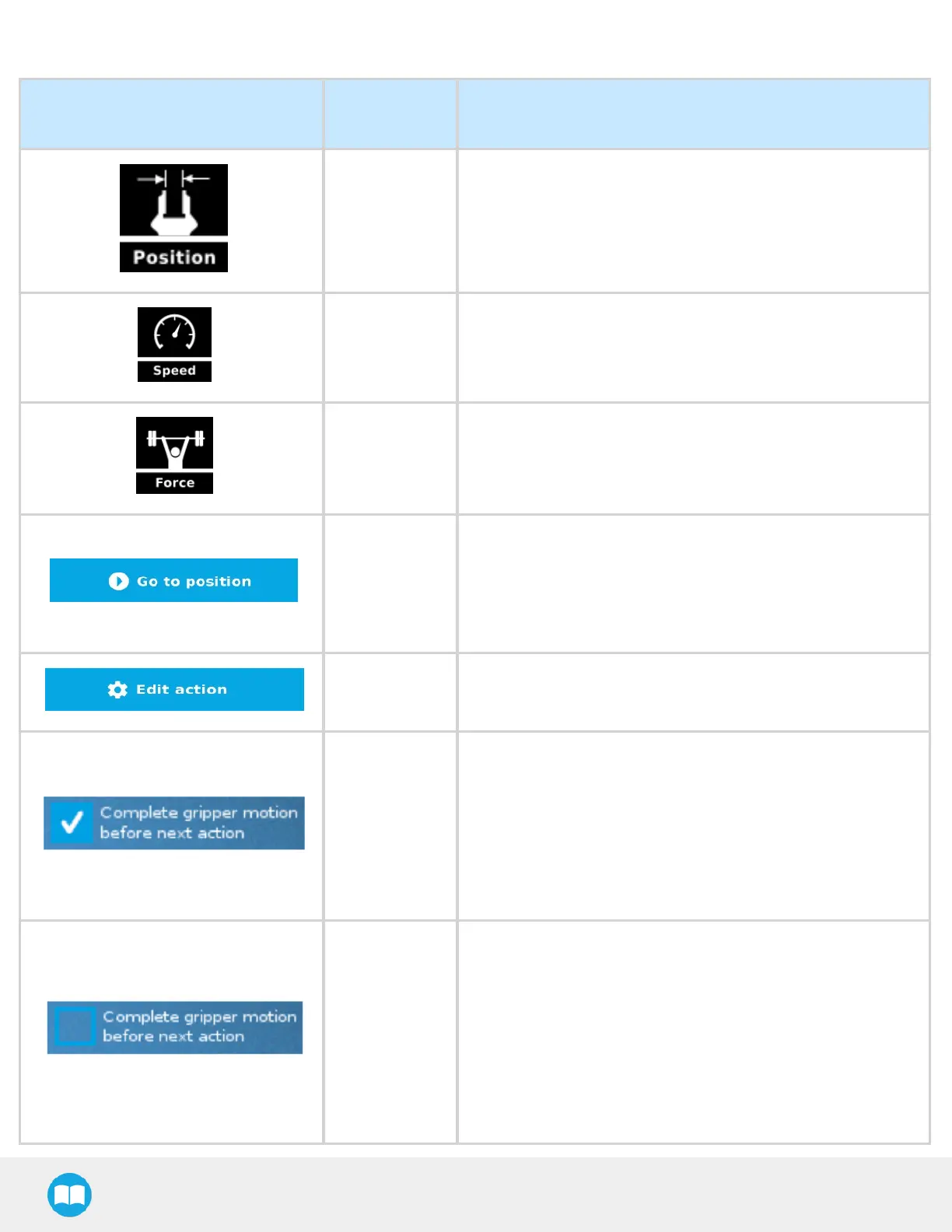
Requested
position
Shows the position requested for the current Gripper node.
Read only.
Requested
speed
Shows the speed requested for the selected Gripper node. Read
only.
Requested
force
Shows the force requested for the selected Gripper node. Read
only.
Go to position
Sends all node parameters (position, force, speed) to the
gripper.
Note: This button is disabled (grey) when the gripper is already
at the node position or when the gripper is not
powered/activated.
Edit action
Opens the Edit action screen, where you can edit the gripper’s
action parameters.
Complete
motion
Selected by default.
Selected: The gripper completes its motion before executing
the next action on the PolyScope program tree. This is slower
but safer.
Unselected: As soon as the gripper starts moving, PolyScope will
execute the next action on the program tree. This allows you to
move the gripper and robot at the same time.
Robot
compliance
Unselected by default.
Can only be selected if the complete motion option is selected.
Selected: A force mode will be used to allow the robot to move
along the X and Y axes of the TCP frame during the gripper
motion. This can help with immovable objects that are not
perfectly centered in the Gripper, allowing the robot to align
itself with the object.
Unselected: No force mode will be used.
87



 To Next Page