Robotiq Hand-E C10 Gripper Instruction Manual
Icon
Functionality
Name
Description
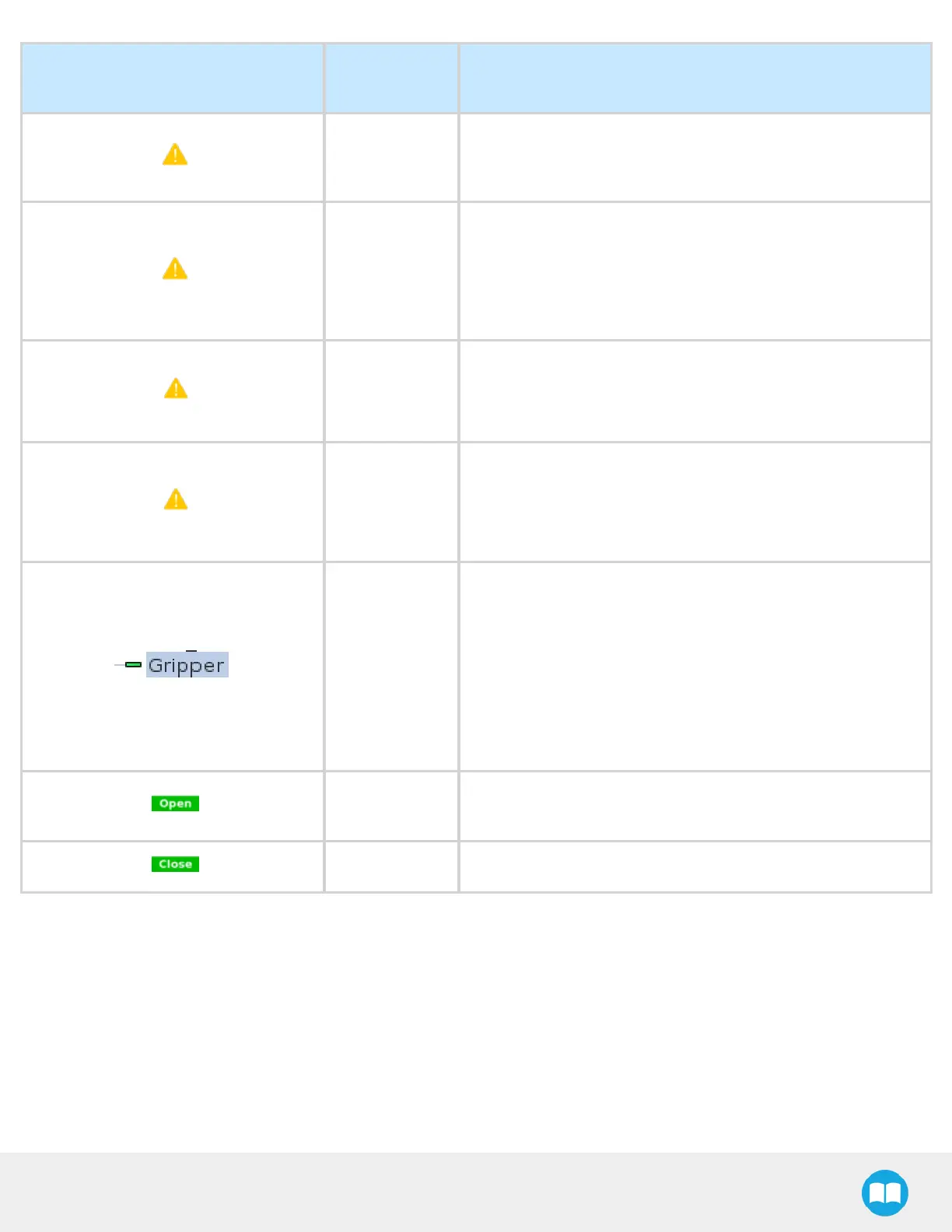
Warning
message
section
-
Gripper not
activated
“Warning, the Gripper is not powered or not activated. The
Gripper will not move.”
Make sure that the gripper is installed correctly and powered.
You need to activate it using the gripper Toolbar before running
Gripper commands.
Gripper action
undefined
“Gripper action undefined! Please edit action.”
When creating a new node, all action parameters are undefined.
Tap the edit action button to define parameters.
Object picking
warning
“Warning, if you are picking an object, use close (100%) or open
(0%) position.”
It is highly recommended to only use 0% or 100% position when
trying to pick an object.
Node name
Node name is automatically set to:
l
Gripper Open, when position = 0% or fully open value as
defined in the Calibrationwizard
l
Gripper Close, when position = 100% or fully closed value as
defined in the Calibrationwizard.
l
Gripper Move x%/mm/in, when position is between the fully
open and fully closedvalues.
Open request
When position requested is 0%, or the fully opened value
defined in the Calibrationwizard.
Close request When position request is 100%.
88



 To Next Page