Robotiq Hand-E C10 Gripper Instruction Manual
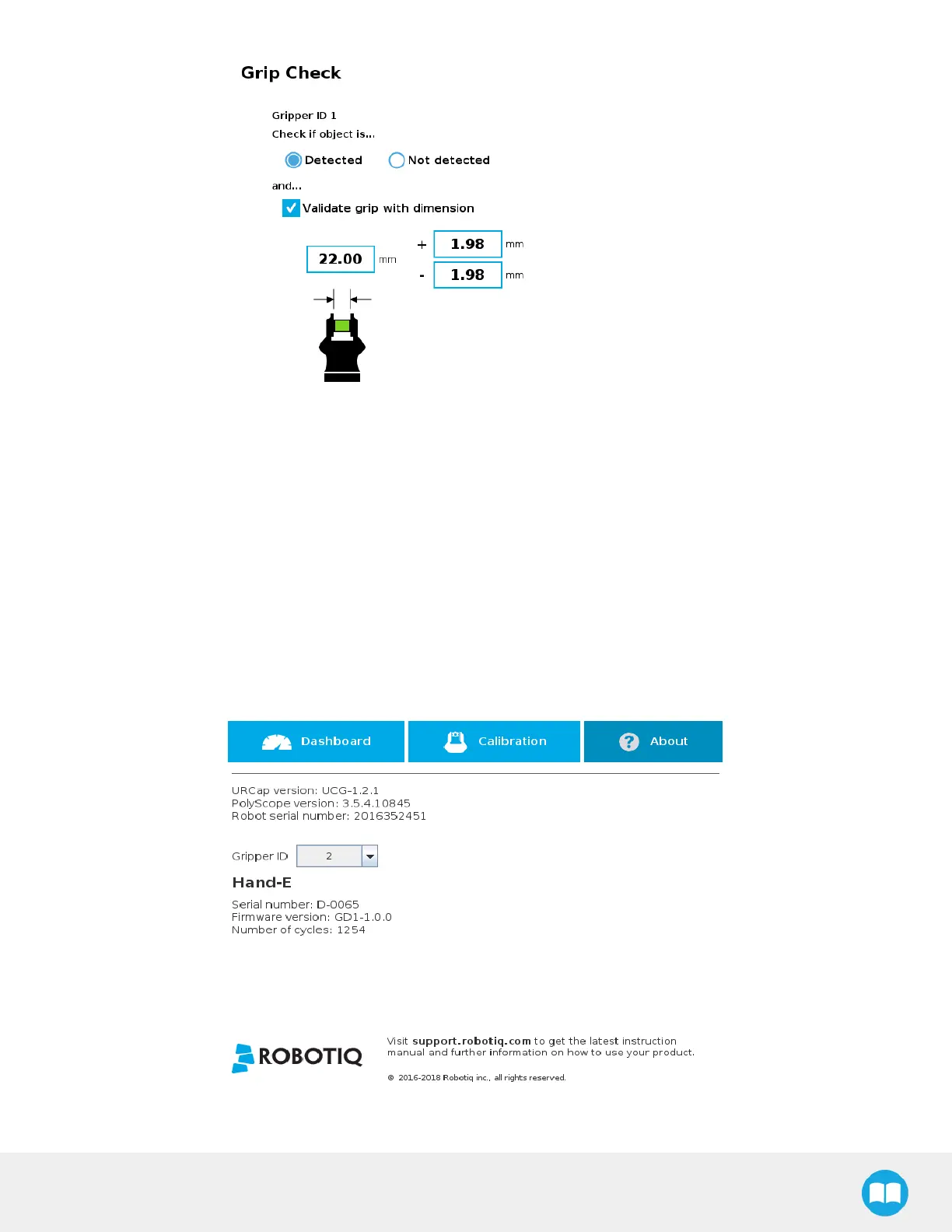
Fig. 4-29: Grip Check Node Interface with Dimension Validation
Given that the Grip Check node is an If statement, tapping the actual node in the Command tab brings up the option to add an
Else instruction to the program tree.
About
In this window, the user can access information such as the gripper's hardware, software and firmware versions, the number of
cycles completed by the device and more.
1. Create or load a robot program.
2. Tap the Installation tab.
3. Select Gripper in the left pane.
4. Tap the About submenu.
Fig. 4-30: About Submenu
92



 To Next Page