Robotiq Hand-E C10 Gripper Instruction Manual
If the Gripper firmware version is obsolete, a warning message will display and an Upgrade firmware button will prompt the user to
upgrade the firmware to the latest available version.
Error messages overview
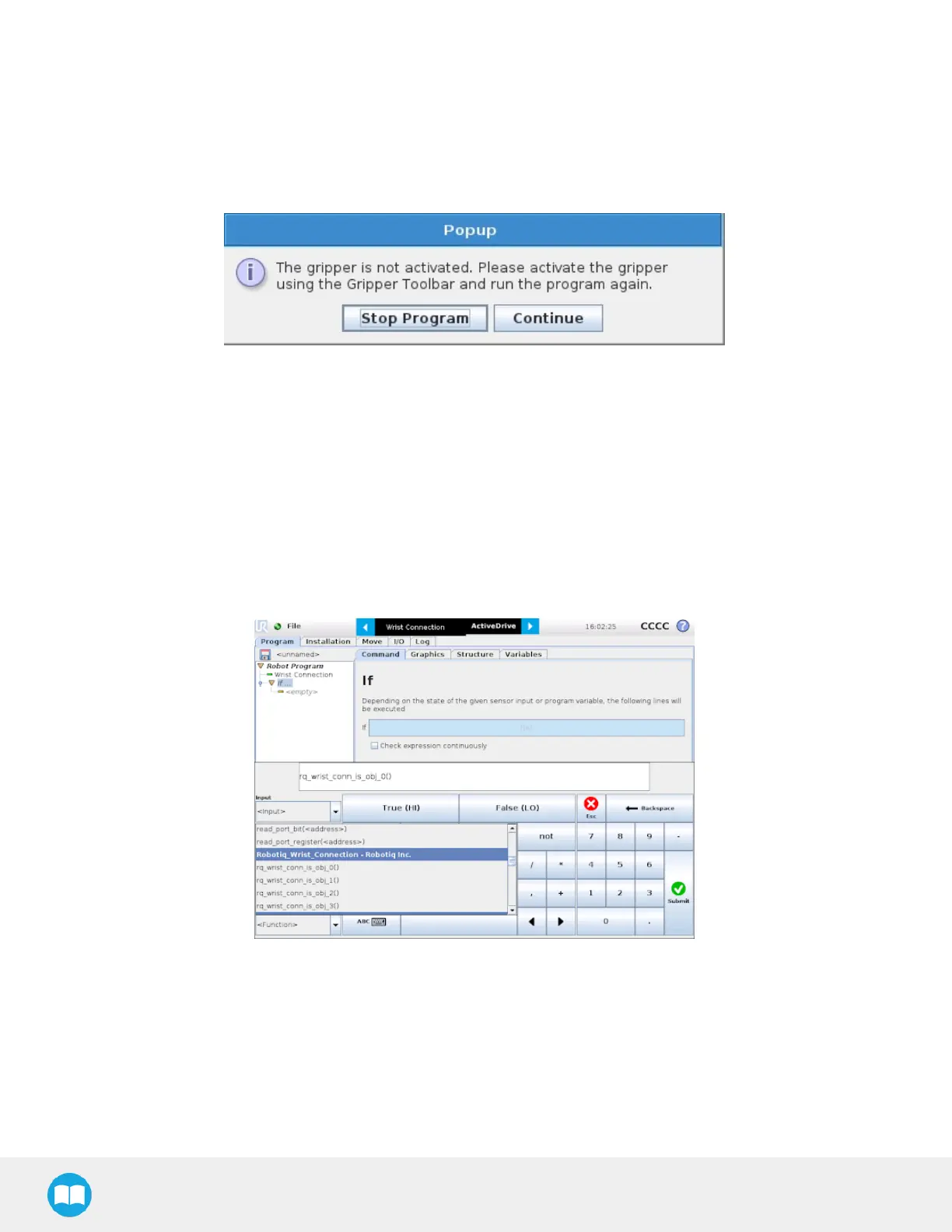
If a program is running without the gripper being activated, the program will stop at the execution of a Gripper node and the
following message will be displayed in a popup. Tap Stop Program and activate the gripper with the toolbar to continue or add an
activation command in the program (see Advanced Gripper Functions section).
Advanced Gripper Functions
The use of Gripper URCap nodes allows to move the gripper and modify its speed and force. However, some advanced functions
are only available through UR Script commands.
The functions listed below can be called using subprograms in PolyScope or with a script. Functions with the suffix _and_wait will
wait for the gripper to complete its operation before going to the next step.
Single Gripper with I/O Coupling (UCH-1.0.0 +)
To use the Object Detection feature, the Tool Inputs can be used.
Fig. 4-31: Command Window
93



 To Next Page